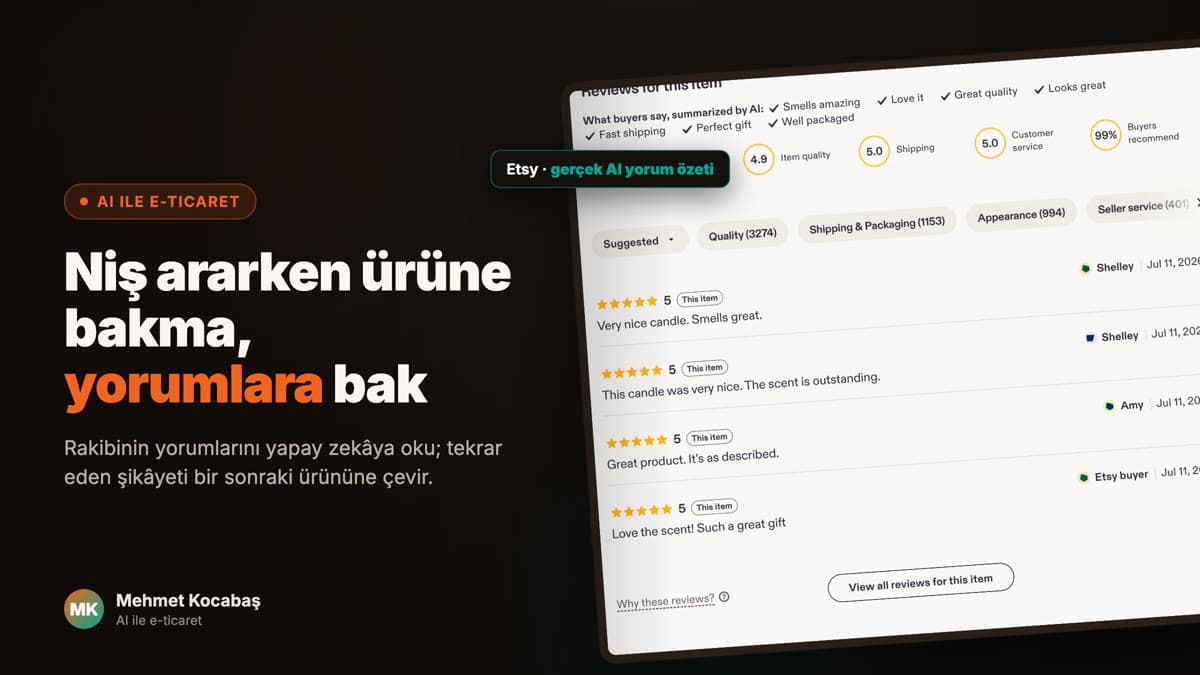
AI Product Photos for Etsy: Reference First Workflow
Use AI to prepare candidate product scenes without inventing product details, seller experience, or listing results.

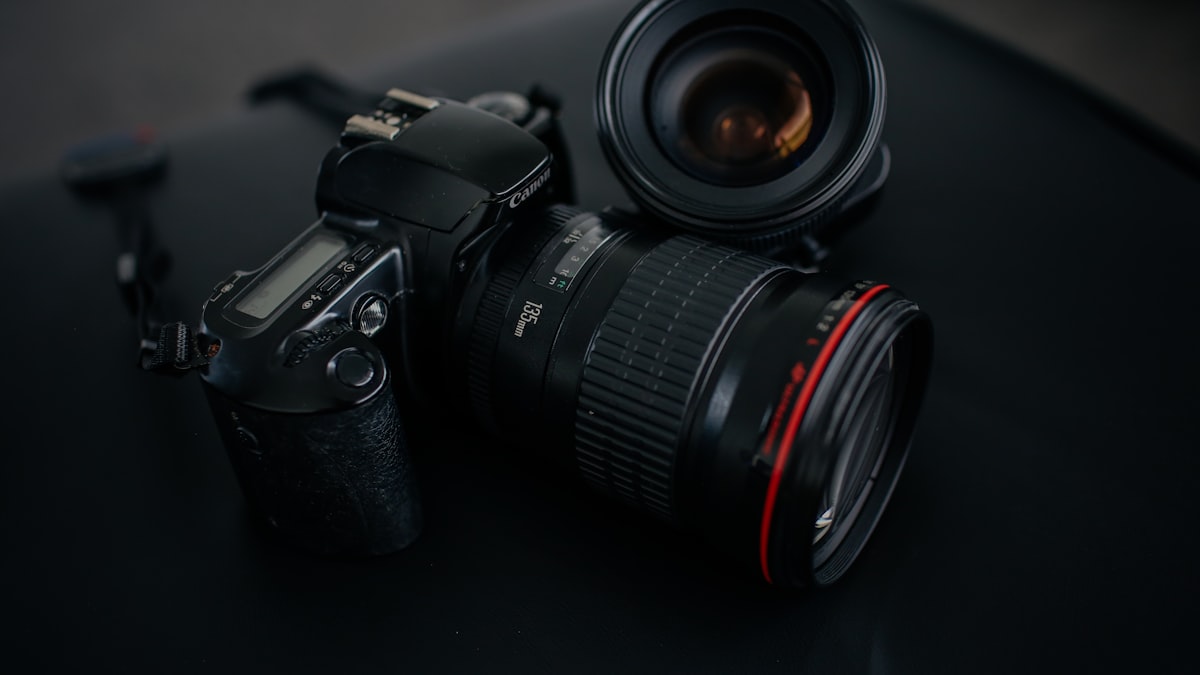
AI product imagery is useful when it starts from the real product, not from an imagined version of it. For a small ecommerce creative workflow, the goal is to prepare candidate scenes that explain a product more clearly. It is not a claim that I run an Etsy shop, know what will sell, or can replace the platform's current policy requirements.
The most important input is a reference pack. Without one, an image model fills gaps with plausible looking guesses. Those guesses can change the product's colour, material, scale, label, or included parts.
Build the reference pack
Collect these before prompting:
- Real product photos from more than one angle
- Exact material, colours, dimensions, and included items
- Details that must remain visible, such as stitching, a print, a clasp, or packaging
- Details the model must not add, remove, or alter
- The purpose of the scene, such as neutral product view, use context, or close detail
This pack is more valuable than a long aesthetic prompt. It gives the reviewer something concrete to check against after generation.
Ask for three useful scene types
Start with a small set instead of a large batch:
- Neutral view: shows the product without a busy setting.
- Use context: gives a realistic sense of scale or use without changing the product.
- Detail view: focuses on the feature a buyer needs to inspect.
Keep the same product lock in every prompt. For example: "Keep the reference cotton tote unchanged. Preserve its cream colour, strap length, logo placement, stitching, and pocket count. Do not add text, hardware, patterns, or accessories." Then describe only the setting that changes.
Review the output against reality
Do not approve a picture because it looks polished. Put it beside the source photos and check:
- Are colour, material, shape, and scale consistent?
- Are labels, text, logos, and patterns correct?
- Does the product touch the scene naturally?
- Does the image imply a feature that the actual product does not have?
- Does the intended use comply with Etsy's current guidance and your own rights checks?
If any answer is uncertain, the output is not ready for a customer facing listing. A fast draft is still only a draft.
Keep copy separate from the image
If you also use AI for captions or product notes, require it to use only verified product facts. Ask it to flag missing information instead of completing it with invented benefits, reviews, scarcity, or measurements. This keeps the copy review as strict as the image review.
Honest limit
AI can speed up creative exploration. It cannot verify the physical product, replace seller responsibility, or predict a listing outcome. Check Etsy's current rules before publishing because platform requirements can change.
Next step
Turn the same reference pack into three controlled creative briefs.
Frequently asked questions
Can AI replace product photography?
No. It can help prepare candidate scenes or supporting visuals, but a real product reference and human review remain necessary.
What should I give an image model first?
Real photos, material, dimensions, colours, required details, and a short list of changes the model must not make.
Can I use every generated image in a listing?
No. Check Etsy's current listing and image requirements, then compare each output with the real product before deciding where it belongs.