Account, your first product design, and connecting your store
Opening a Printify account, designing your first product, and connecting it to your store is a single sitting's worth of work. This lesson walks through it step by step: signup, product choice, manufacturer selection criteria, and linking Etsy/Shopify.
In the last lesson you saw how the POD model works and what Printify's role is in it. Now it's time for the actual setup: opening an account, designing your first product, picking the right manufacturer, and connecting your store.
Step 1: Open an account
Signing up for Printify is quick, either with an email or with an existing Google or Etsy account. You can start on the free plan; if you want more store connections or discounts on product costs later, you'll want to move to a paid plan. Which plan gives you which perk changes over time, so check the current pricing table on printify.com before you decide.
You don't need any extra document or approval during signup, you get access to the product catalog the moment your account is open.
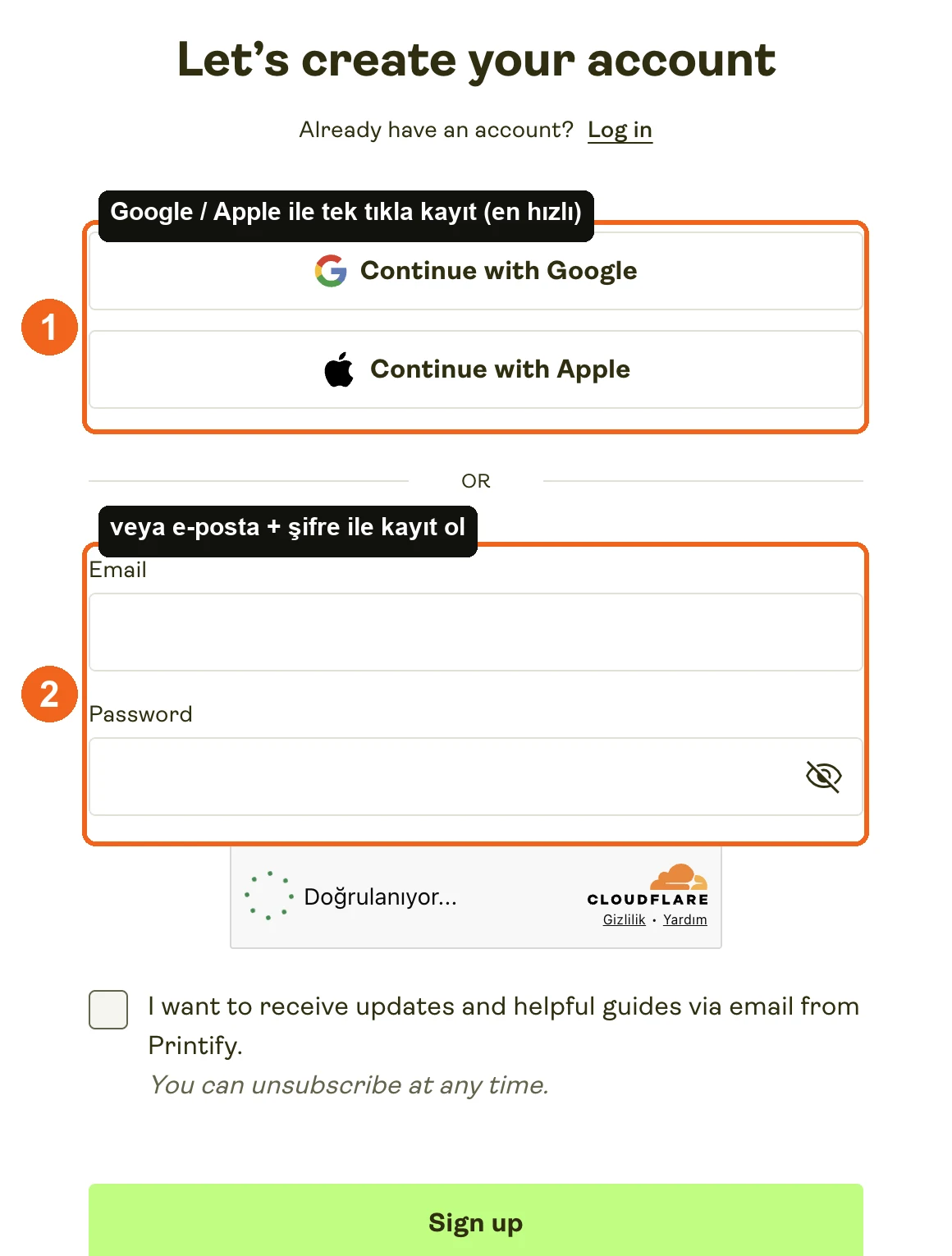 Source: Printify signup screen (printify.com/app/auth/register), accessed July 2026.
Step 2: Pick a product
Once you're in the catalog, you'll see dozens of categories: t-shirts, hoodies, mugs, posters, phone cases. When picking your first product, ask yourself: who am I selling this to, and will that audience actually buy it? Starting with a single product type keeps you focused instead of spreading yourself thin on your first test.
Once you pick a product, you'll see who manufactures it (the print provider), along with their price, shipping time, and location. The same product usually has more than one manufacturer option.
Step 3: Upload your design and check the mockup
You upload your own design (image, text, logo) onto the product you picked and position it in Printify's editor. The editor generates a mockup, a representative image showing how your design will sit on the actual product.
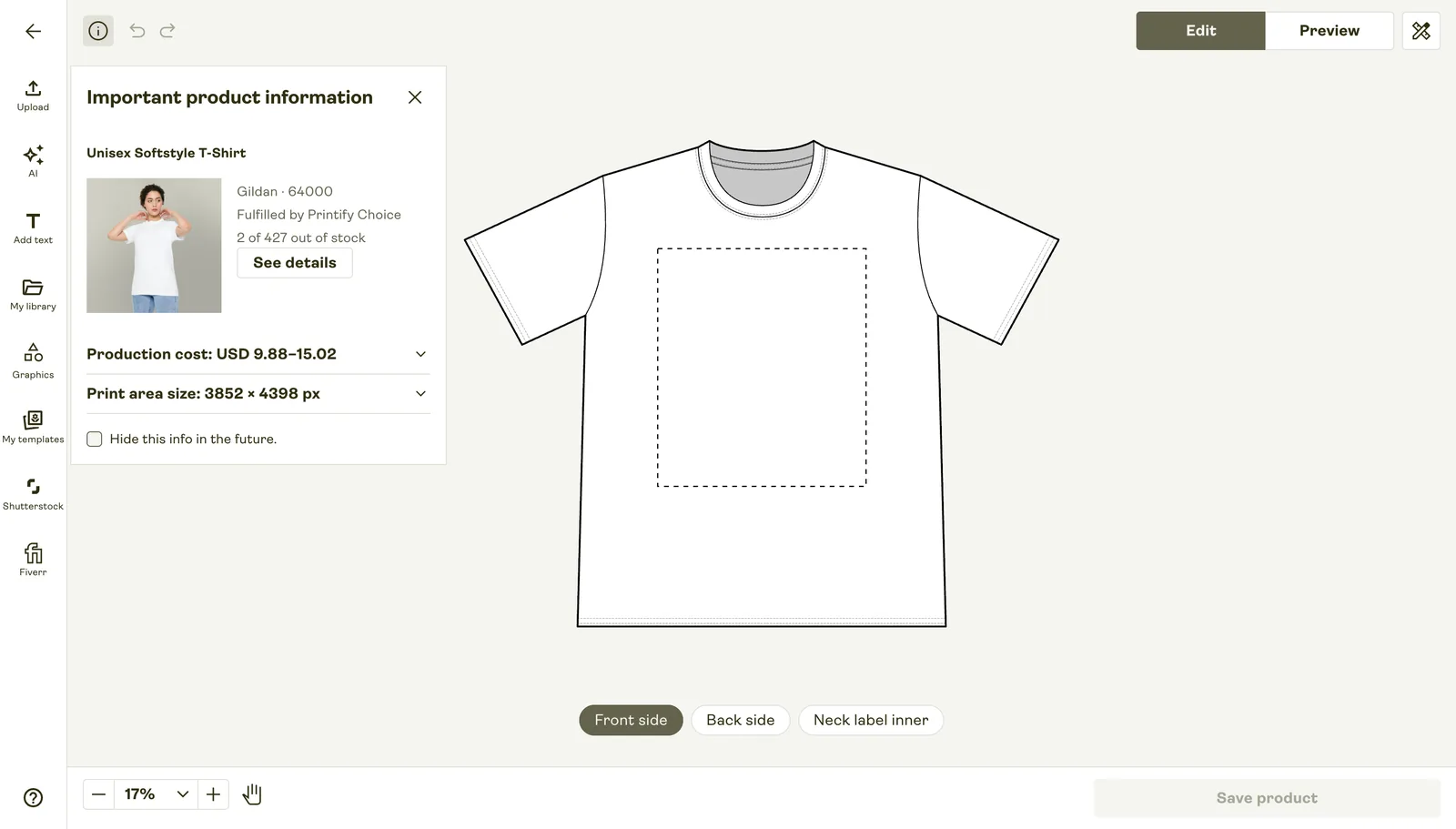
Here's the thing to watch for: the mockup is not identical to the real print. Color tone, fabric texture, and print sharpness can come out differently than what you see on screen. That's why I recommend ordering a sample before you put anything live in your store, I'll explain why I consider this non-negotiable in the next lesson.
Manufacturer selection criteria
When the same product has more than one manufacturer, judge them on three things:
Location. Where the manufacturer is based directly affects how long shipping takes to reach your customer. If your customers are in the US, a US-based manufacturer usually gets there faster; if they're in Europe, a European one does.
Price. The same product costs different amounts across different manufacturers. Cheapest isn't automatically the right call, you need to weigh it against quality.
Rating. The Printify dashboard shows a production time and quality score for each manufacturer. Picking a low-rated one and then dealing with customer complaints later costs you more hassle than just choosing a well-rated one from the start.
Step 4: Connect your store
This is where Printify's biggest strength shows up: you don't add products to your store one by one by hand. Once you connect your Etsy or Shopify account in the dashboard, whatever you design gets published automatically as a listing in that store, and when an order comes in, that information flows straight back into Printify.
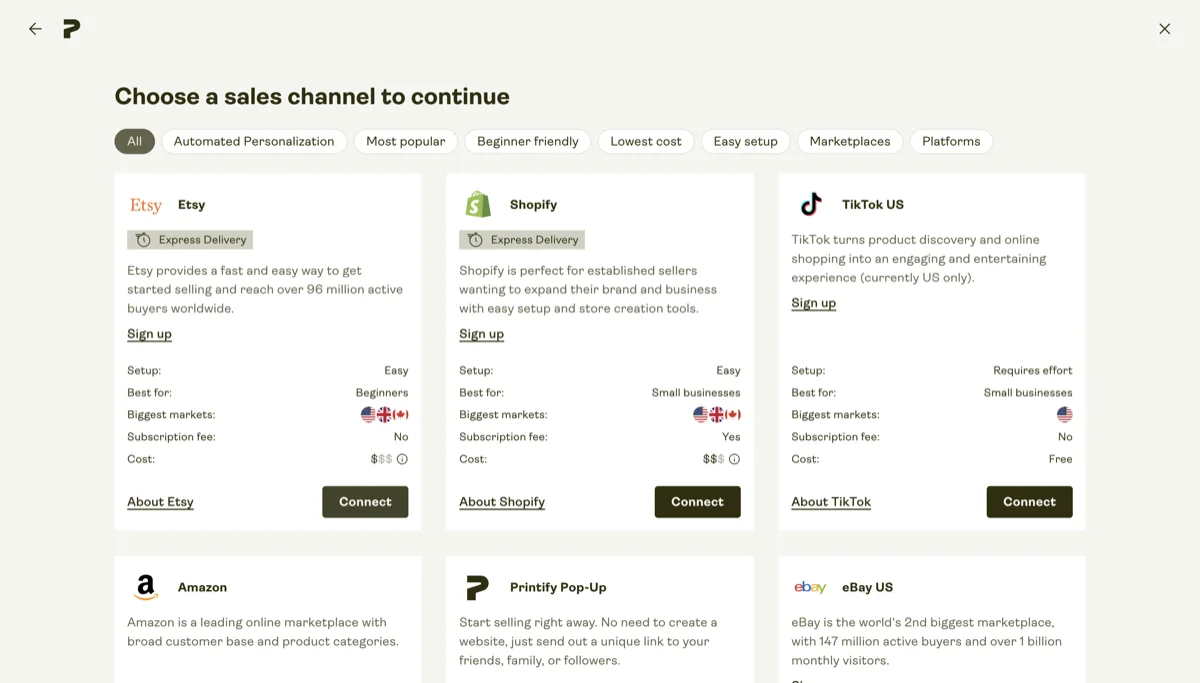
Source: printify.com, accessed July 2026.
The store integrations Printify supports can change over time. As of July 2026, alongside Etsy and Shopify, TikTok Shop, Amazon, eBay, Wix, WooCommerce, Squarespace, BigCommerce, and PrestaShop are also among the main integrations, but check printify.com/integrations for the current full list and connection steps.
Connecting a store is usually just logging in and granting permission, no technical setup required.
Lesson checklist
- I opened my Printify account and accessed the product catalog
- I picked my first product, uploaded a design, and saw the mockup
- I checked location, price, and rating when picking a manufacturer
- I connected my store (Etsy/Shopify) to Printify
In the next lesson, I'll walk through how the order flow actually works, why a sample order matters, and the most common mistakes beginners make.