← Payoneer course
Lesson 4/63 min read
Check freelance and affiliate platforms individually
There is no universal Payoneer rule for freelance and affiliate services. Use each platform's official withdrawal documentation, then confirm country and account eligibility inside the actual account.
Upwork as a documented example
As of July 2026, Upwork documents Payoneer as a withdrawal method for eligible users outside specified exclusions. Availability still depends on the user's account and country.
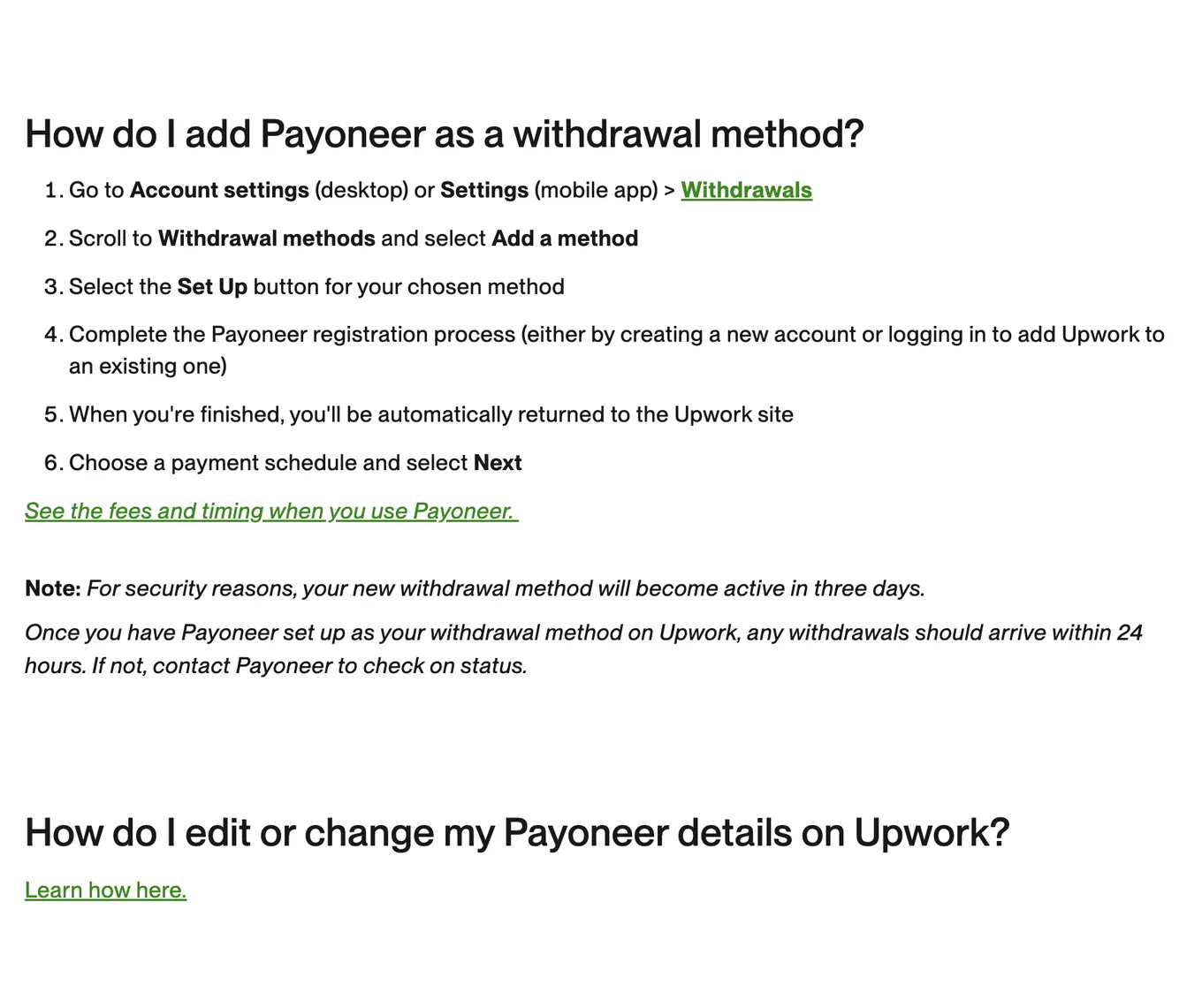
Source: Upwork Help, How to use Payoneer to withdraw your earnings, accessed July 2026.
Other platforms
Some networks use bank transfer providers other than Payoneer. Others may add or remove Payoneer by country. Do not treat a blog post, forum answer, or another user's screenshot as proof.
For each platform:
- Open its current official payout page.
- Check the country and account eligibility notes.
- Review the withdrawal method inside your own account.
- Compare fees, currency, minimums, and processing time.
- Run a small first withdrawal when practical.
Lesson checklist
- I found the official payout documentation for each platform
- The method is visible in my own account
- I checked country, currency, minimum, and fee conditions
- I did not assume one platform's support applies to another
Next, you will review a local bank withdrawal before confirming it.