Connect Payoneer to an eligible Amazon seller account
Amazon disbursement requirements vary by marketplace and seller entity. Confirm the current Seller Central rules, use the receiving details Payoneer issues for the correct currency and country, and verify the first payout.
This lesson concerns Amazon seller disbursements, not buying inventory or paying Amazon charges.
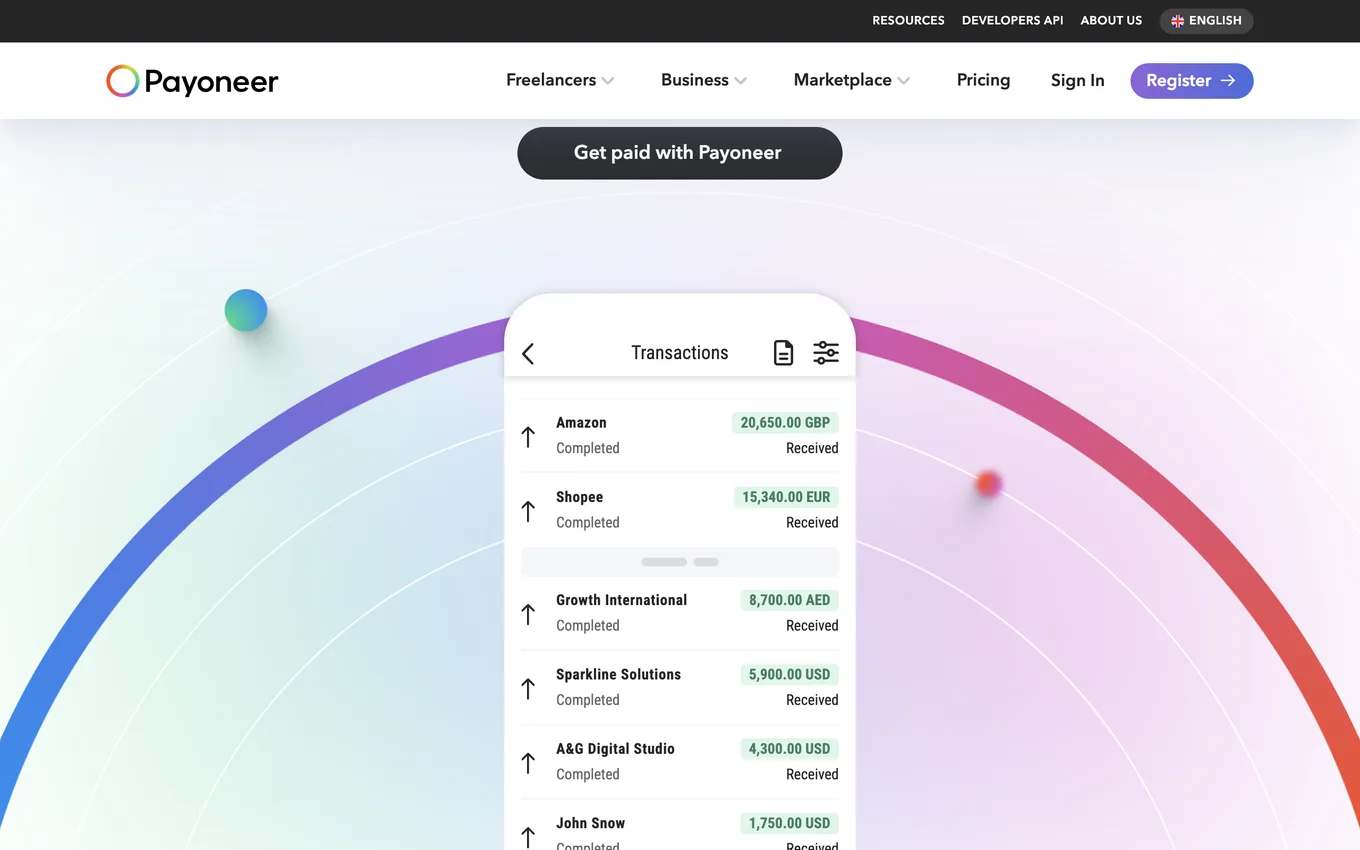
Source: payoneer.com, accessed July 2026.
Confirm the marketplace requirements
Amazon marketplaces and seller entities can have different deposit method requirements. Open the deposit or bank account settings in the relevant Seller Central account and read the current documentation.
Add the correct receiving details
If Amazon accepts the Payoneer payment service for that seller and marketplace:
- Open the approved receiving account details in Payoneer.
- Select the details that match the marketplace currency and required bank country.
- Enter them in Seller Central exactly.
- Complete any verification Amazon requests.
- Confirm that the deposit method becomes active.
Names, business details, marketplace entity, and receiving account data must be consistent.
Verify the first payout
Match the Amazon settlement report to the incoming Payoneer transaction, then review the withdrawal or use of funds separately.
Lesson checklist
- I confirmed the rule for the exact Amazon marketplace and seller entity
- I used receiving details with the required currency and bank country
- The account owner information is consistent
- I reconciled the first settlement
Next, you will evaluate freelance and affiliate platforms one by one.