Import a ready made template
Taking a ready made workflow is often faster than building one from scratch. This lesson covers n8n's template library and how to pull a workflow in with Import from URL.
So far you've built a flow from scratch: added nodes, connected them, configured them. But in real life you don't have to start from zero every time. n8n has its own template library, and whatever automation you need, somebody has probably already built and shared it.
The template library
n8n's template library lives at n8n.io/workflows, and you can also reach it from inside the app. There are thousands of ready made flows in there, built for all sorts of needs: sending mail, updating a spreadsheet, posting a social media notification, and plenty more.
When you're browsing the library, reading the description and the names of the nodes inside is usually enough to work out what a template does. Once you spot a node that reads RSS, one that connects to Gmail, one that adds a row to a sheet, you can already tell what that template is for, because you understand how nodes work. That's the payoff from the earlier lessons showing up right here.
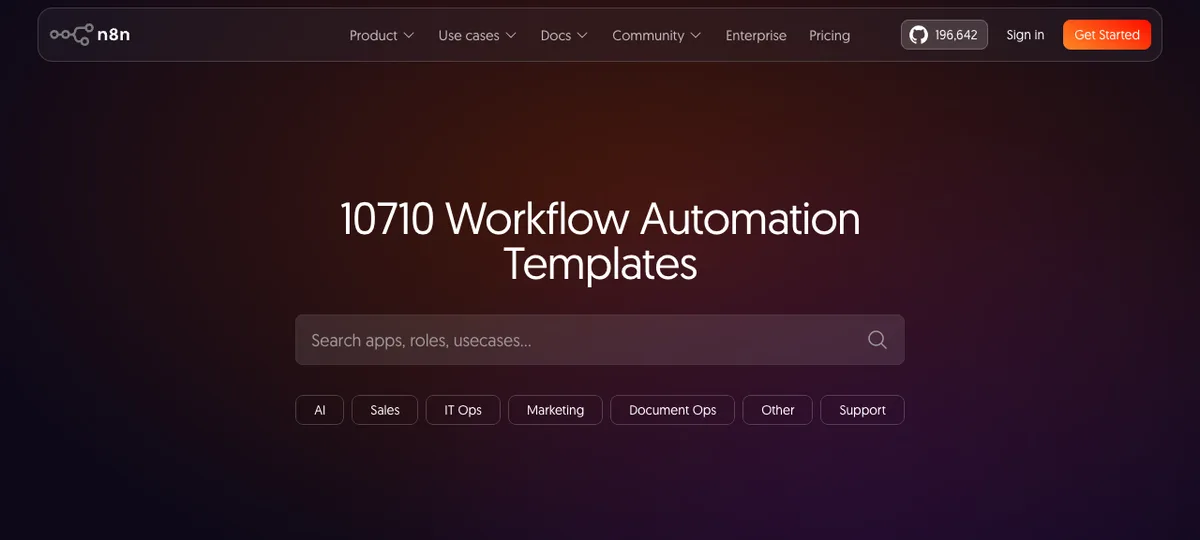
Source: n8n panel (local install), accessed July 2026.
Importing with Import from URL
The most practical way to get a workflow onto your own canvas is this: open "Import from URL" from the workflow menu, and a dialog appears. Paste that workflow's JSON link into the "Workflow URL" field.
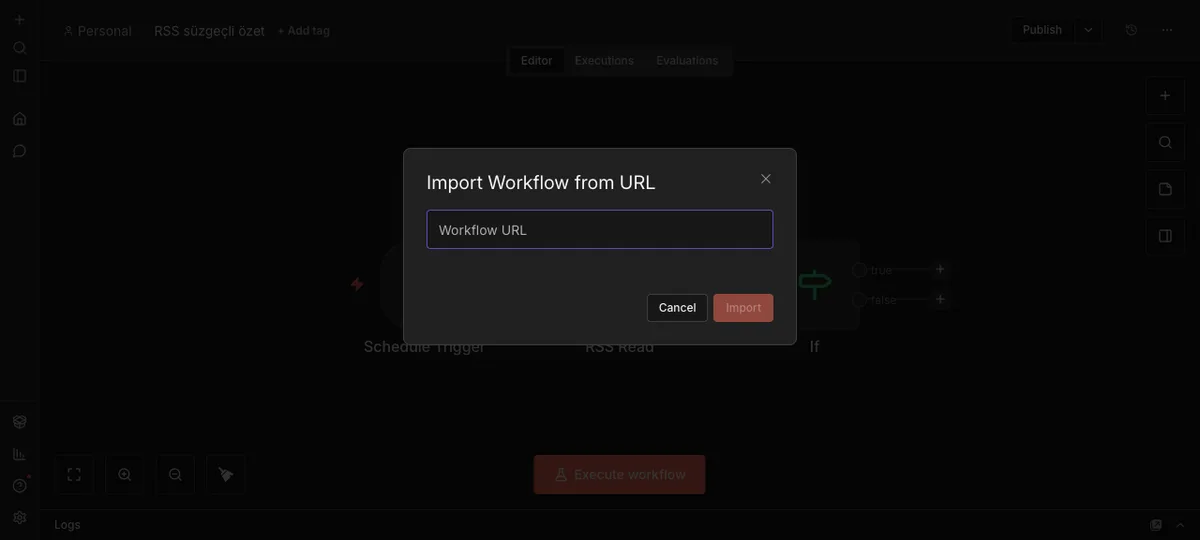
Source: n8n panel (local install), accessed July 2026.
When you hit Import, all of that workflow's nodes, connections and settings land on your canvas. You can also reach the same result straight from the template page with the "use" option. Both roads lead to the same place.
What you need to do after importing
Once you import a template the flow is sitting there ready, but it isn't running yet. The credential logic from the previous lesson comes into play here: you connect each missing account yourself. If you see a warning next to a node, click it and pick the right account.
After you've connected them all, run one test, and if the result looks right you can start using the flow. The only difference from building it yourself is that you didn't build the architecture, you just plugged in your own accounts.
This route is especially valuable when you're starting out, because opening a template and looking at how the nodes are wired together is a learning opportunity in itself. Even if building from scratch hasn't fully clicked yet, studying a ready made template lets you see how someone experienced solved the same problem.
In the next and final lesson we'll cover how to monitor your flow, what to do when an error shows up, and how to actually take the flow live.