Collect subscribers with a lead magnet
A generic subscribe box rarely creates urgency. Build a focused lead magnet, deliver it automatically with Kit, and test every link before publishing.
A signup form is only the mechanism. People still need a clear reason to use it. A lead magnet supplies that reason.
What a lead magnet is
A lead magnet is a small, useful resource delivered in exchange for permission to email someone. It might be a checklist, template, short guide, or mini email series.
Make it focused and useful
A strong lead magnet:
- Solves one specific problem instead of covering an entire industry.
- Can be consumed or applied quickly.
- Matches the content or offer that the reader will receive later.
A narrow checklist that saves ten minutes is often more useful than a large document that remains unread.
Automate delivery with Kit
Kit can send an incentive email after someone submits your form. Upload the resource or link to it, then write a short email that thanks the reader and makes the download easy to find.
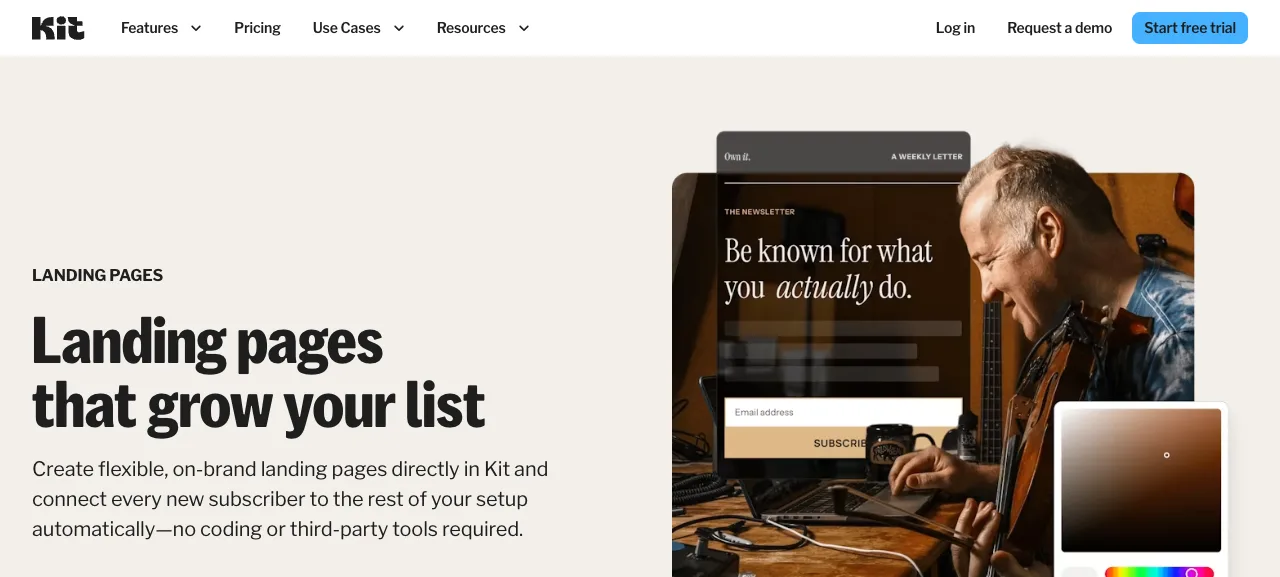
Source: kit.com/features/landing-pages, accessed July 2026.
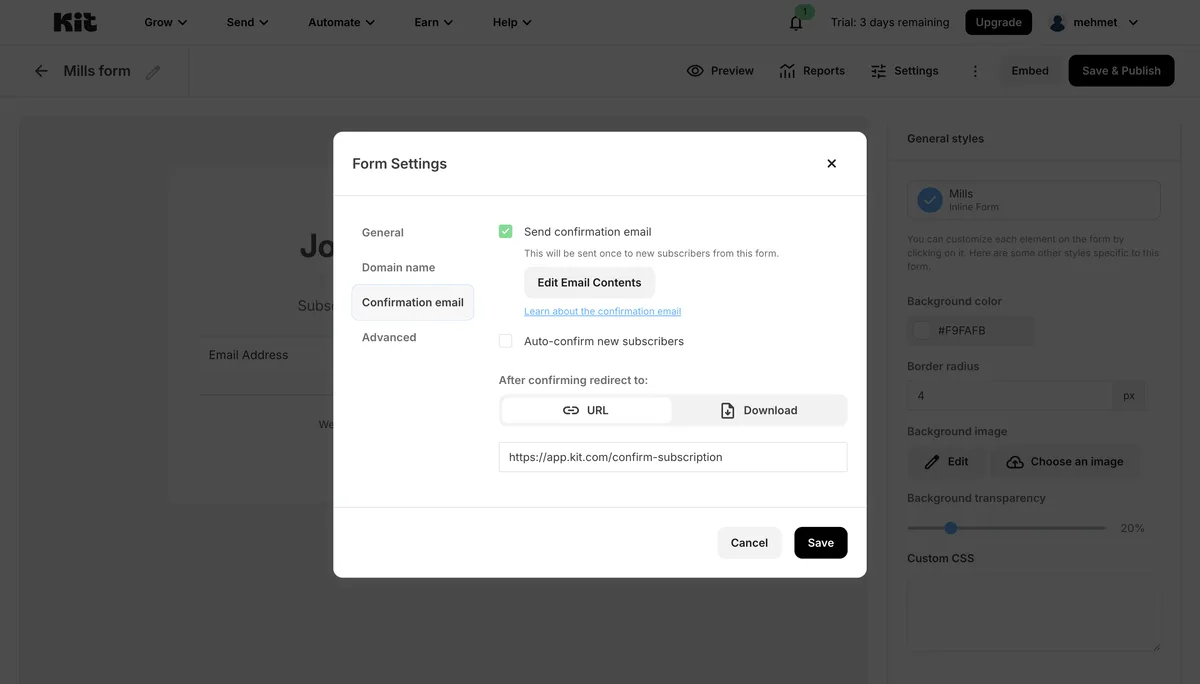
Source: Kit interface, accessed July 2026.
If you use an external file host, make sure the file is accessible to anyone with the link. Direct upload can reduce the number of permissions and services that might break.
Test the complete path
Submit the form with your own address. Confirm that the email arrives, the link opens, and the resource can be viewed. Do this before sending traffic to the page.
Lesson checklist
- My lead magnet solves one specific problem
- I configured the incentive email
- The resource link has the correct access permission
- I tested the form, email, link, and file
Next, you will build the welcome sequence that follows delivery.