Create your account and first signup form
Create a Kit account, check the current free plan, publish a signup form or landing page, and verify the complete subscription flow.
You know why the direct channel matters. Now create your Kit account and give people a working place to subscribe.
Create the account
Register on Kit with your email address and password. Onboarding may ask what you create or sell so it can tailor the workspace.
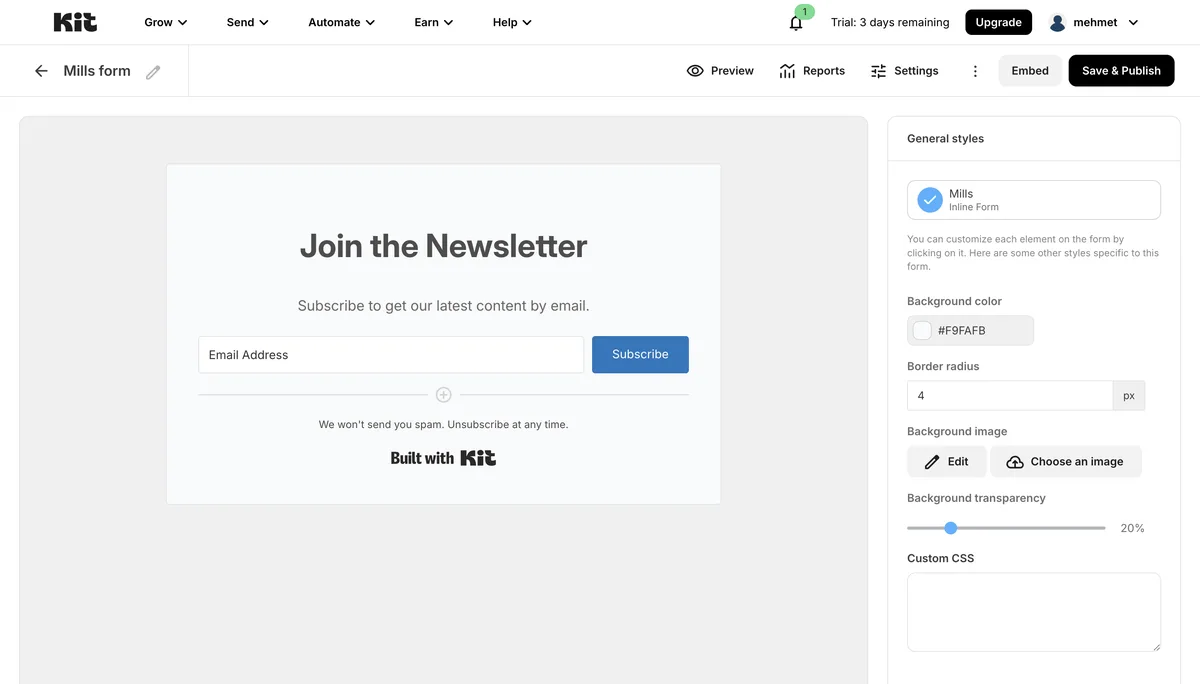
Source: Kit interface, accessed July 2026.
Check the current free plan
Kit offers a free plan, but subscriber limits and included features can change. Check Kit's current pricing page instead of relying on a fixed number in a tutorial.
The free plan is generally intended to let a new creator publish a form and begin collecting subscribers. More advanced automation or a larger list may require a paid plan. Confirm the current boundary inside your own account.
Choose a form or landing page
Kit offers embedded forms for an existing site and standalone landing pages with their own URL. A landing page is often the simplest first step because you can share it without building a website.
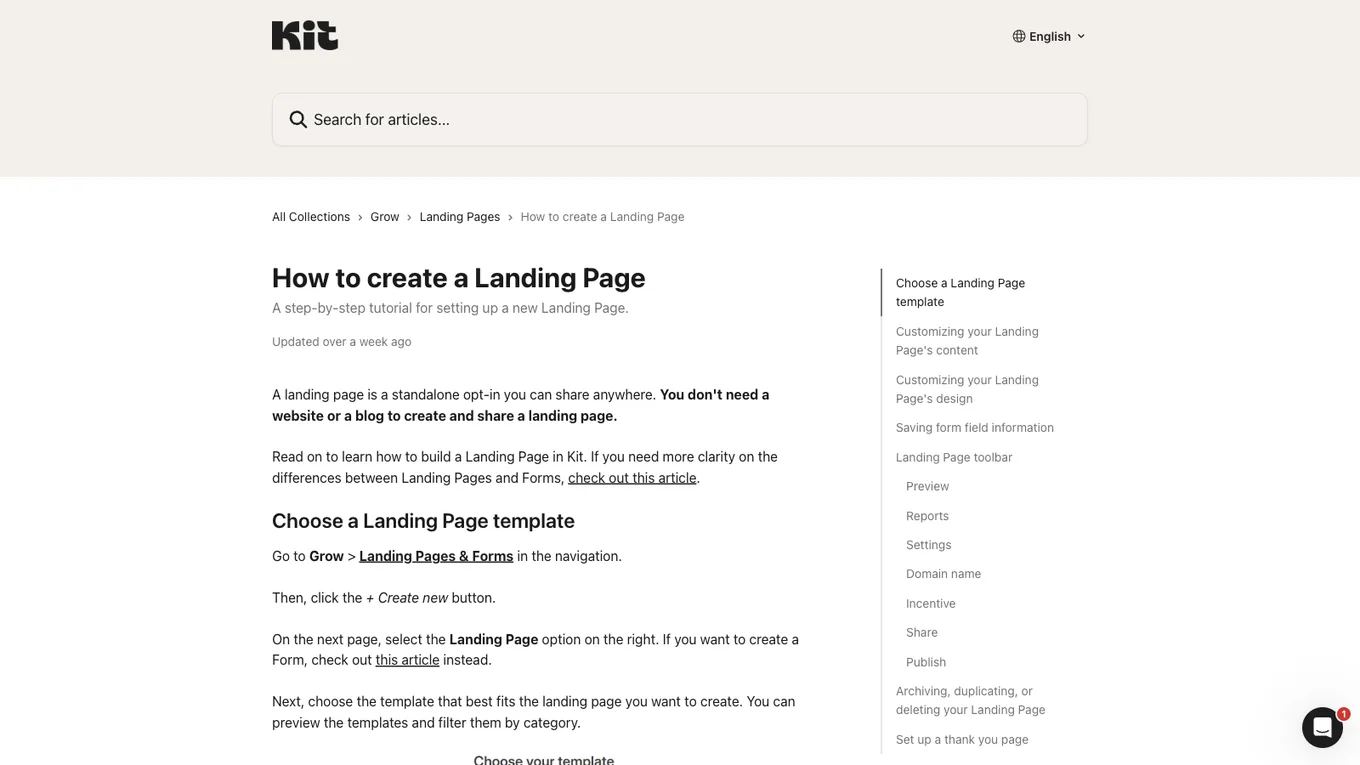
Source: Kit Help Center, accessed July 2026.
Open the area labeled Landing Pages & Forms, create a new asset, select a template, and replace the placeholder copy.
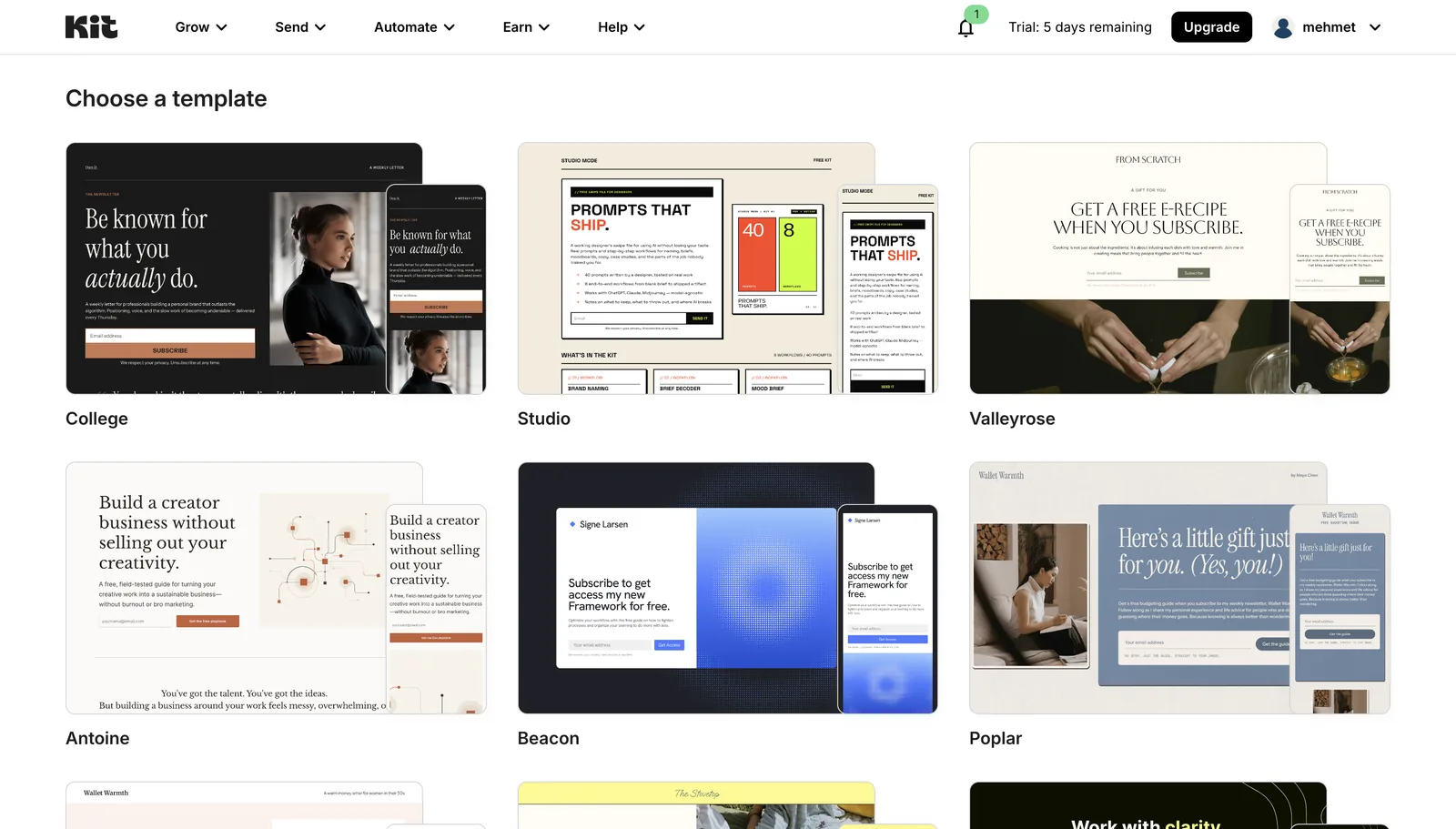
Keep the form simple:
- A clear reason to subscribe
- An email field
- A direct button label
Request only the information you genuinely need.
Share and test it
Use Kit's hosted link in your social profiles or embed the form on your own site. Then subscribe with a test address and confirm that the subscriber appears in Kit.
Lesson checklist
- I created a Kit account
- I checked the current free plan on Kit's pricing page
- I published a signup form or landing page
- I completed a test subscription successfully
Next, you will give people a specific reason to subscribe.