Send broadcasts and use tags and segments
Use broadcasts for one time messages, tags to record subscriber actions, and segments to reach a relevant group. A smaller active list is more useful than a large disengaged one.
Your welcome sequence runs automatically. A broadcast is different: it is a one time email you choose to send or schedule, such as a newsletter, announcement, or new article.
Create a broadcast
Open Broadcasts in Kit, create a message, write the subject and content, select the recipients, then send or schedule it.
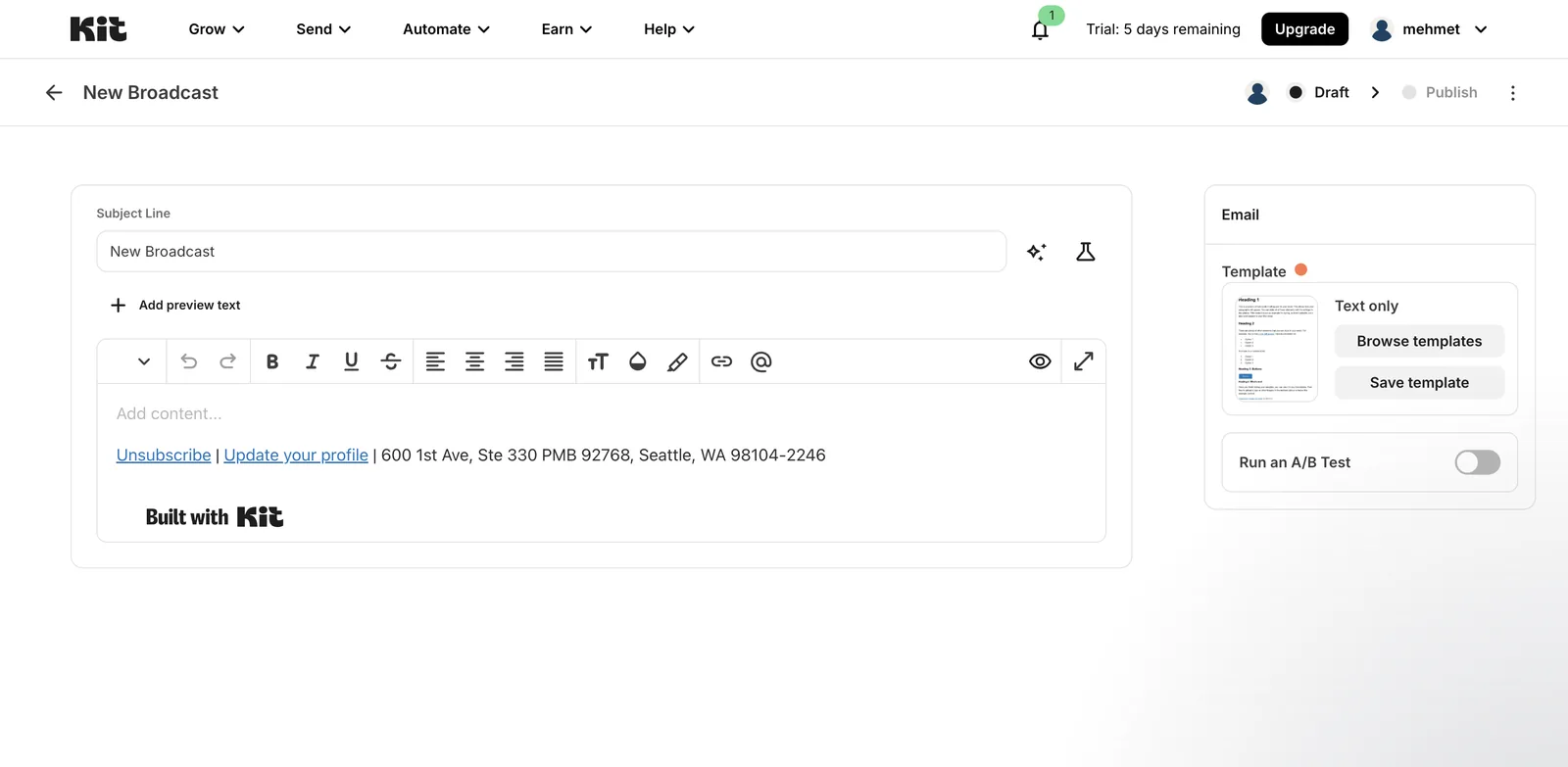
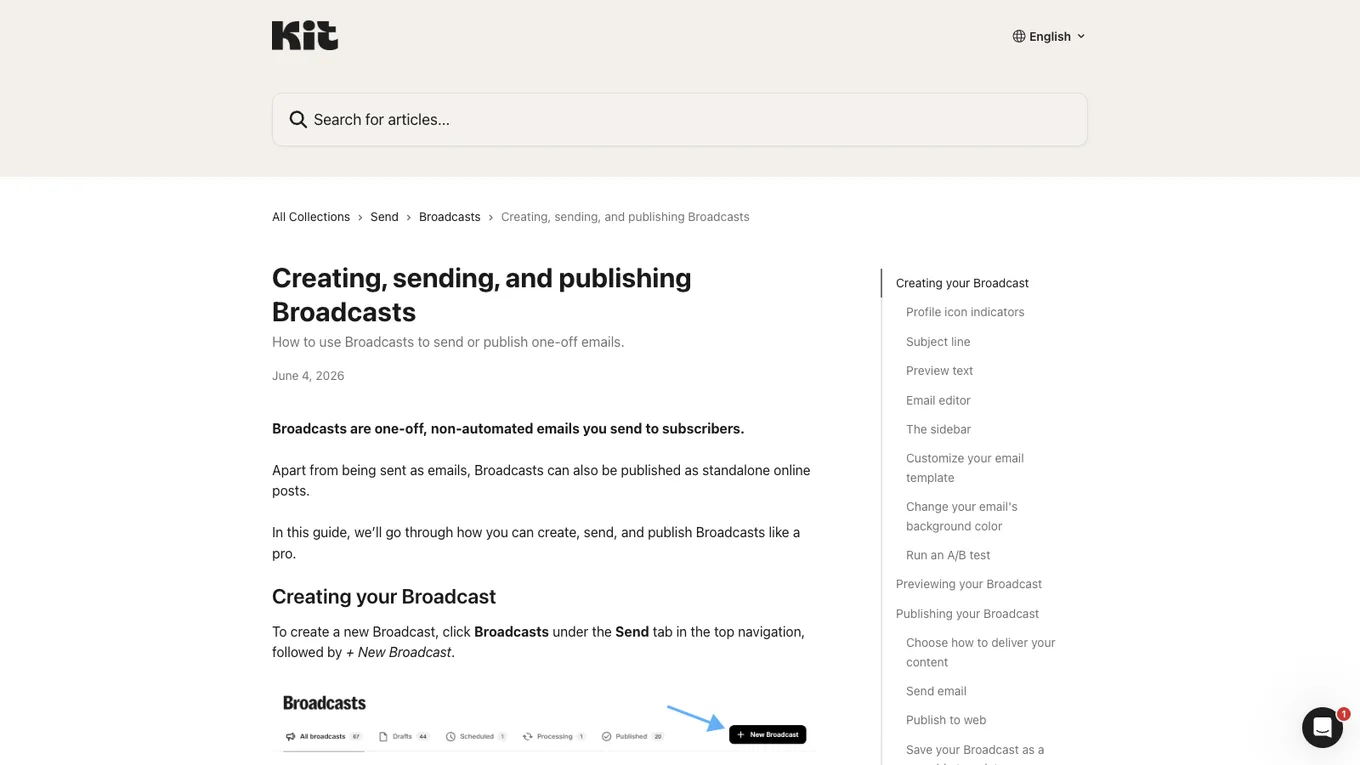
Source: Kit Help Center, accessed July 2026.
Tags and segments
A tag records one attribute or action, such as downloading a guide or registering for a webinar.
A segment is a group defined by tags and other conditions. For example, it might contain readers who downloaded a particular guide but have not opened a recent email.
Use a few broad interest groups at first. Sending every topic to every subscriber can train readers to ignore your messages.
Clean inactive subscribers carefully
Over time, some addresses stop opening or clicking. You can create a reengagement segment, ask whether those readers still want the emails, then remove people who remain inactive.
Open tracking is not perfectly reliable because privacy features can affect it. Use several signals, a reasonable time window, and a final confirmation message before deleting subscribers.
Lesson checklist
- I know the difference between a broadcast and an automation
- I understand how tags differ from segments
- I will send relevant topics to the right group
- I have a cautious plan for reengaging or removing inactive subscribers
The final lesson covers authentication, deliverability, and common mistakes.