Setting up your account and your first niche scan
Once your Jungle Scout account is open, here's which tools to use, in what order, for your first scan: picking a category, filtering, and walking away with a candidate product list.
In the last lesson we covered why you choose products with data. Now it's time to actually get to that data.
Setting up your account
You sign up for Jungle Scout directly on their site. Plans vary by scale; exactly which features each plan includes (how many products you can track, which marketplaces, team access, and so on) can change over time. Plans built for new and growing sellers usually come with a "7-day risk-free, money-back" trial period; larger brands and businesses get a separate plan priced through a custom demo.
While signing up, ask yourself: are you selling through Amazon.com, or a different Amazon marketplace? Plan selection can depend on that. Check the current plan table on junglescout.com before you commit, it lays out exactly what each package covers.
The core tools waiting for you in the dashboard
Once your account is set up, a handful of core tools greet you in the dashboard. As of July 2026, the left-side menu lists these tools under these names, in this order; names get updated over time, so check your own dashboard for the current version:
- Product Database: a search engine over more than 475 million Amazon products, filterable by category, price range, estimated monthly sales, and similar criteria.
- Opportunity Finder: a discovery tool that surfaces niches and keywords with high demand and low competition.
- Product Tracker and Sales Estimator: tools that track and estimate the monthly sales volume of a specific product or competitor.
These tools work together: you run a broad scan in the database, narrow it down to a specific niche with the opportunity finder, then estimate how much your real competitors in that niche are actually selling with the estimator.
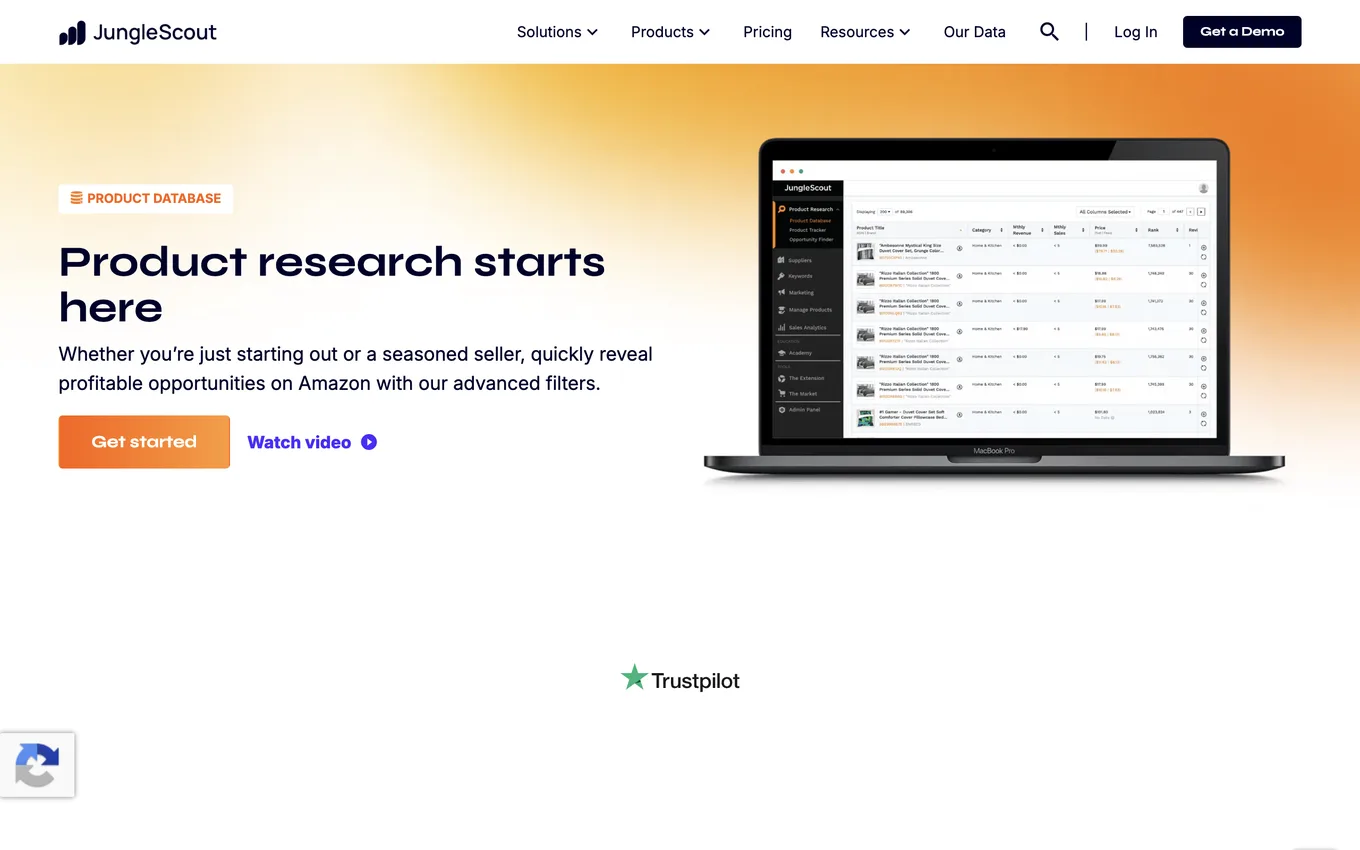
Source: junglescout.com, accessed July 2026.
Your first scan, step by step
Running your first scan in this order makes the job easier:
Step 1: Pick a broad category. If you're starting from zero, go in through a category you're interested in or already know something about. Picking a product in an area you know nothing about raises the risk, because you don't know what customers there expect either.
Step 2: Filter. Use filters in the product database: price range, estimated monthly sales, review count, and similar criteria. For example, a category with barely any competitors but where review counts have already climbed into the thousands is hard to break into as a newcomer; filters rule that out up front and hand you a more realistic list.
Step 3: Build a candidate list. Don't fixate on a single product. After filtering, aim to walk away with 10 to 15 candidate products or niches. The point of this lesson isn't to decide, it's to narrow things down to a shortlist you can actually decide between.
One thing worth noting here: none of these steps tell you "sell this product." They point you toward where to look. Once you've built your candidate list, the next lesson covers the framework you'll run these products through to actually decide.
Lesson checklist
- I know how to set up my Jungle Scout account and what to watch for when choosing a plan
- I understand what the product database, opportunity finder, and sales estimator do, and how they work together
- I can run my first scan in order: pick a category, filter, build a candidate list
Next lesson: running that candidate list through a demand, competition, and margin framework to turn it into a real decision, and the mistakes beginners tend to make along the way.