Set up Etsy Payments and seller verification
Choose the correct seller type, enter identity and bank details exactly, complete Etsy's requested verification, and confirm that the payment account is ready before selling.
Incorrect or inconsistent account information can delay deposits just when the first order arrives. Complete setup before relying on the shop for cash flow.
Choose the correct seller type
Register as an individual or incorporated business according to the legal reality in your country. The labels and required fields can vary.
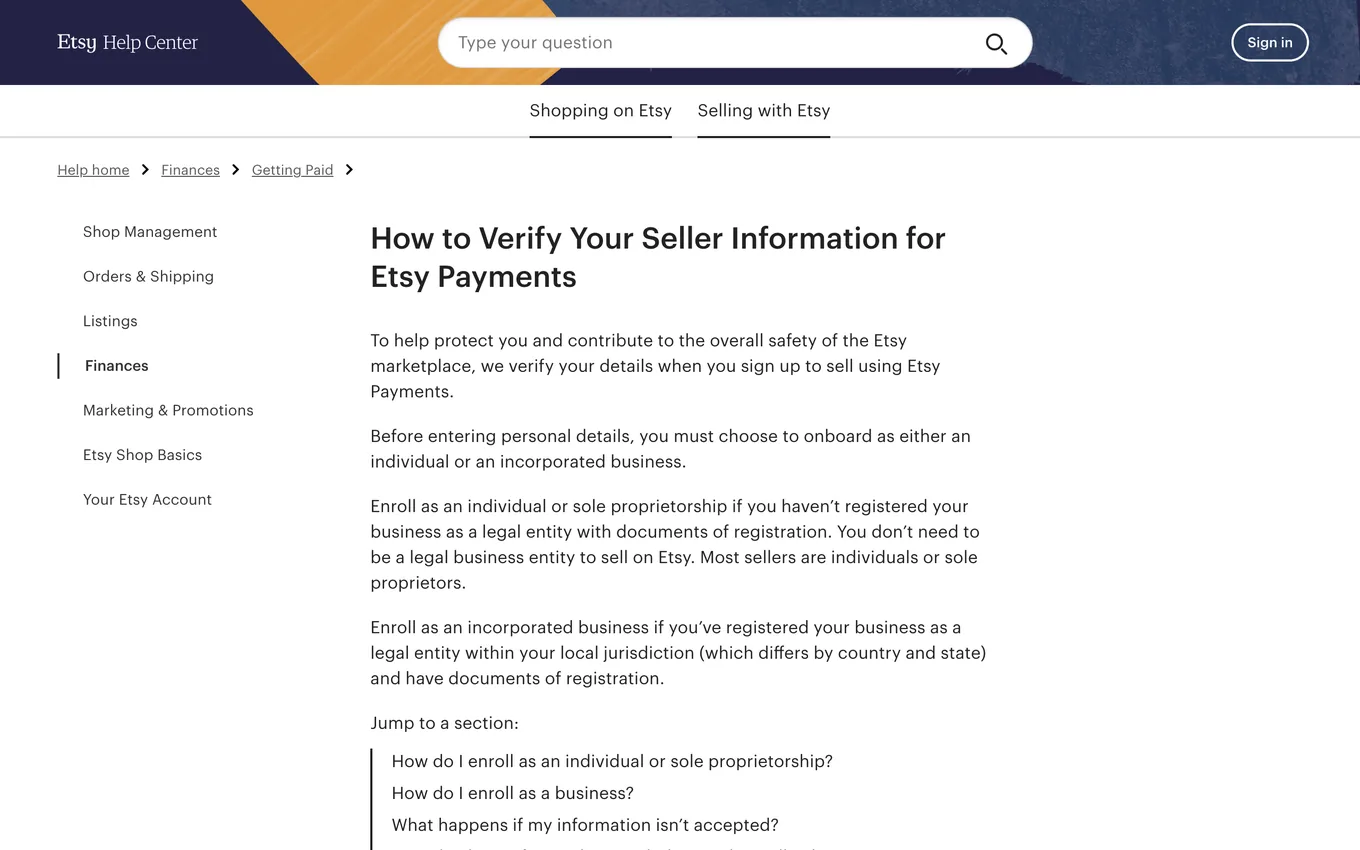
Source: Etsy Help, How to Verify Your Seller Information for Etsy Payments, accessed July 2026.
Enter matching information
Use the name, address, date of birth, business registration, tax information, and bank owner details requested for the selected seller type. They should match the supporting documents and bank records.
Do not use a friend or relative's account to bypass a country or eligibility requirement.
Add the bank or required payment account
Follow the fields shown in Shop Manager for your country. If Etsy's country table requires Payoneer, use the Payoneer linking process Etsy provides. Otherwise enter the eligible bank details requested by Etsy.
Complete verification
Upload a clear, complete, current document when Etsy asks. Do not crop required edges or obscure details. Respond to follow up requests through the official shop interface.
Confirm readiness
Review Shop Manager and the payment settings for unresolved alerts. A bank record being saved does not guarantee that every identity or payment verification is complete.
Lesson checklist
- My seller type reflects the real legal setup
- Identity, shop, and bank owner names are consistent
- I used the payment path required for my country
- All current verification requests are complete
Next, you will interpret the first deposit.