Sign-up, list import, and your first campaign
Your account is open, next comes importing your list correctly and verifying yourself as a sender. This lesson walks through both steps plus designing your first campaign email.
In the last lesson you saw what Brevo does and who it fits. Now for the real setup: account, list, sender verification, and your first campaign.
Creating your account
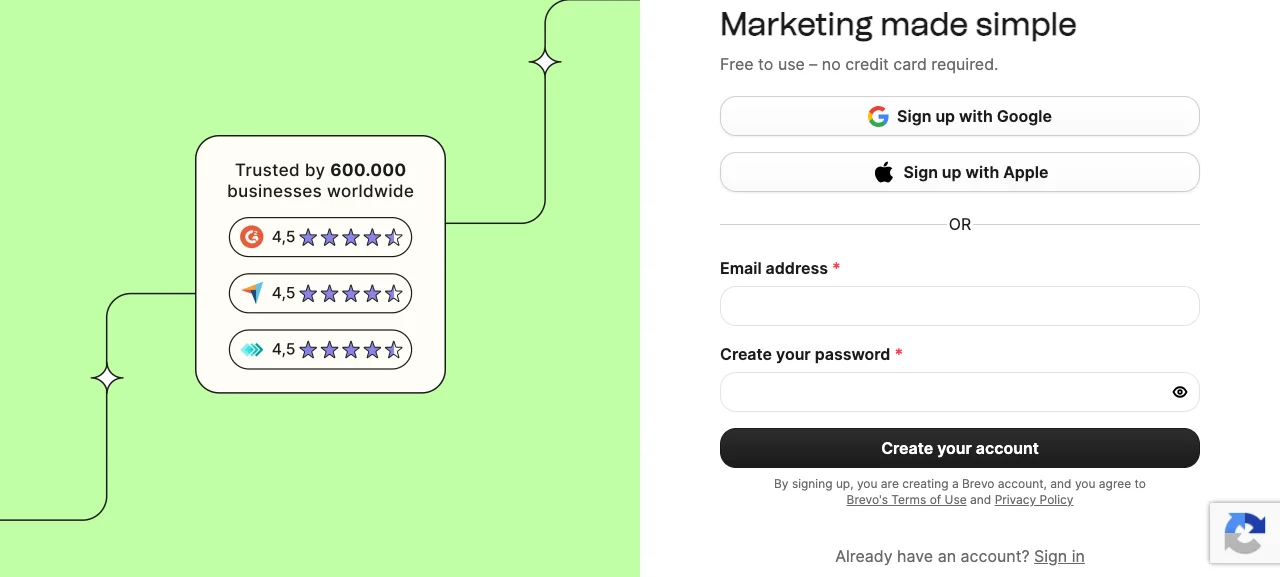
You sign up for Brevo with your email. After sign-up, the panel walks you through a short setup flow, asking a few questions about your business. You can skip these and fill them in later.
Importing your consent-based list
I need to be direct here. Before you import your list into Brevo, you need to know whether every single person on it actually gave you permission to email them. Importing a list you bought, scraped, or otherwise collected without consent can get your account suspended, and depending on where your subscribers live, it can carry separate legal exposure under regional data-protection and anti-spam rules (GDPR in the EU, CAN-SPAM in the US, and equivalents elsewhere). I'm not giving legal advice here, just this: make sure everyone on your list opted in, and if you're not sure, check the rules that apply where your subscribers are, or talk to a lawyer.
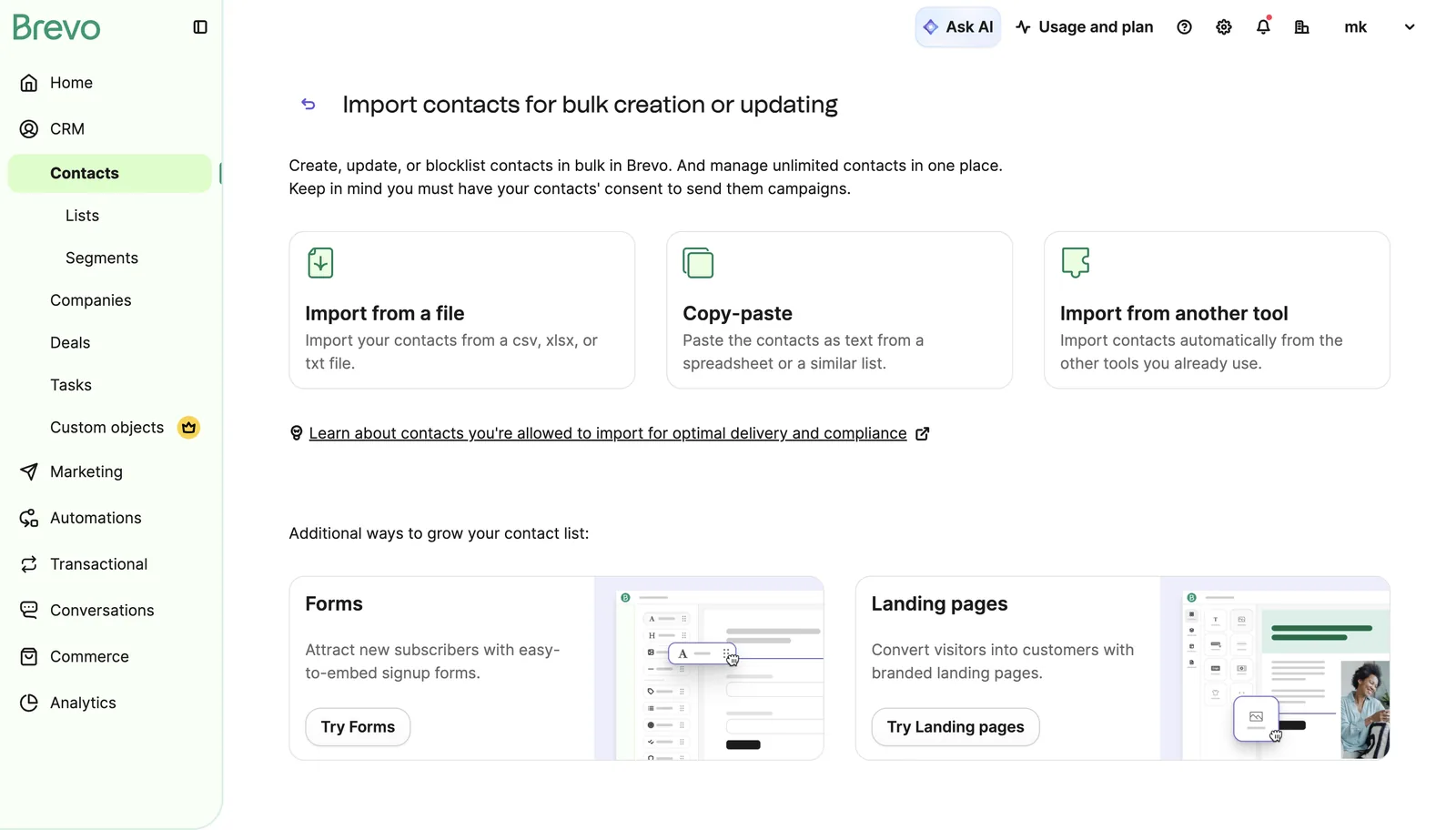
You prepare your consent-based list as a CSV file and import it through Brevo's Contacts section. The system asks you to map which column is email, which is name, and so on.

Sender verification
So your emails don't land in spam, Brevo asks you to verify the sender email address and domain you'll be sending from. That usually means adding a few records (like DKIM) to your domain's DNS settings.
Don't skip this step. Emails sent from an unverified sender either don't get delivered at all, or land straight in spam.
Designing your first campaign email
Once your list and sender are ready, you create a new email from the campaigns section. You can start from a ready-made template, or build your own from a blank page.
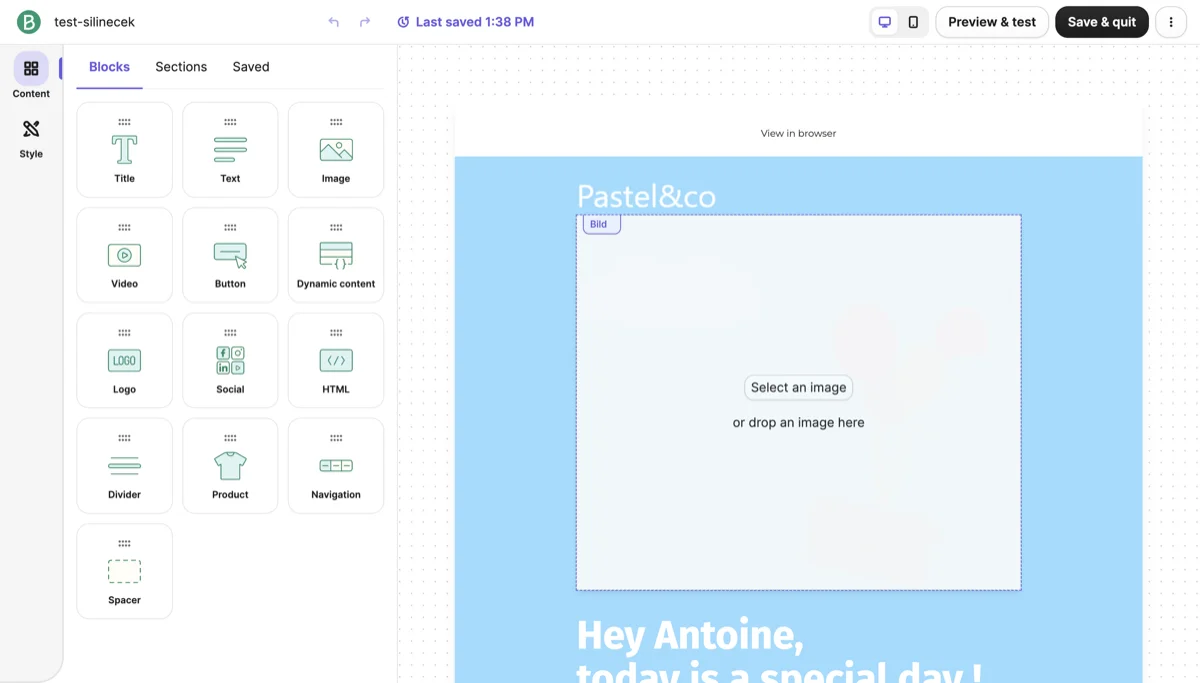 Source: Brevo, accessed July 2026.
Don't overdesign your first campaign. A short headline, one clear message, a single call to action (click this link, check out this product) is enough. Send yourself a test first, look it over, then send it to your list.
Lesson checklist
- I created my account and logged into the panel
- I confirmed every person on my list actually opted in (I didn't import a list without consent)
- I completed sender/domain verification
- I designed my first campaign email and sent myself a test
Next lesson: setting up automation, basic segmentation, and the most common mistakes.