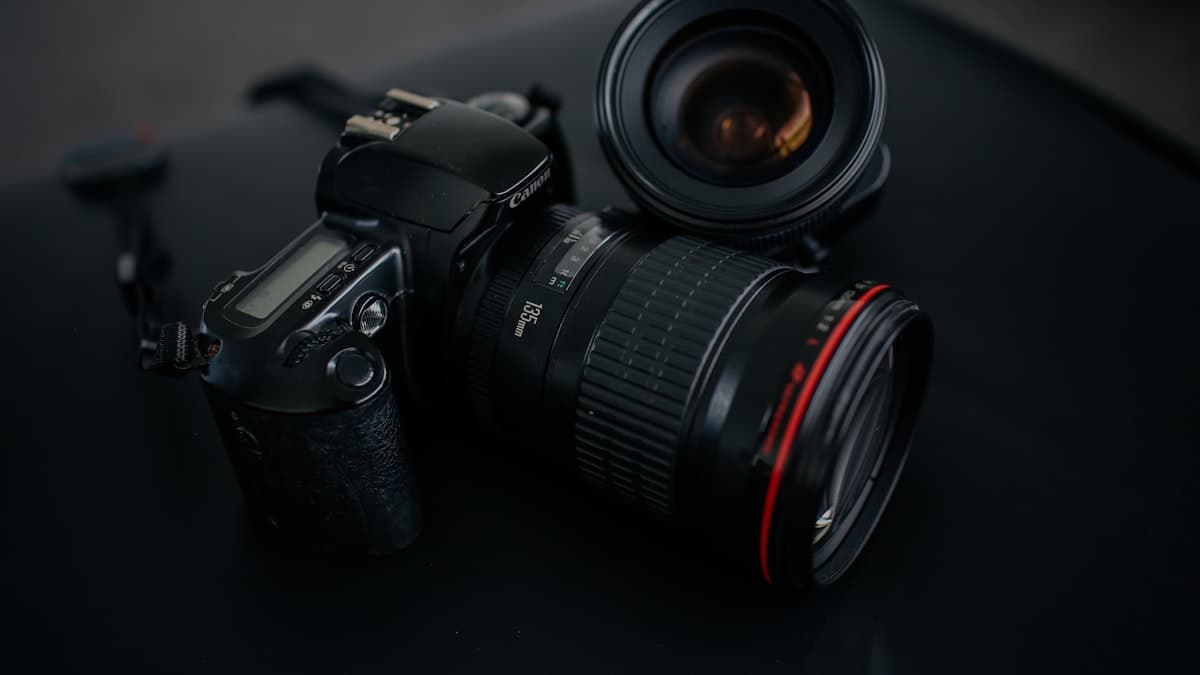
Turn a Product Photo Into a Scroll-Stopping Ad Poster
A good product photo is not an ad. It becomes an ad once it's paired with a message that grabs attention. This prompt turns a product image into a campaign poster built around one clear headline.

Design a social media ad poster for [PRODUCT]. Composition: the product sits centered in the lower half of the frame, leaving a clean, empty area at the top for headline text. In that top area, place the headline "[HEADLINE TEXT]" in bold, modern sans-serif capital letters, in [COLOR, e.g. deep navy]. Lighting: soft studio lighting, gentle top lighting that flatters the product. Camera: medium framing, product sharp and centered. Color grade: high-contrast, vivid, attention-grabbing commercial ad palette, with a [BRAND COLOR] accent. Material: the texture of [PRODUCT MATERIAL] should read clearly, giving a premium surface feel. Vertical format, 4:5.
How to use it
- Use it to quickly produce your first creative draft for a Meta or Instagram ad.
- Use it during a campaign window (sale, new season) to generate variations of the same product with different headline text.
- Use it for A/B testing by duplicating the same visual with different headline and color combinations.
Example / tip
An accessories brand launching its winter collection enters 'NEW SEASON' as the headline text. The output produces a poster with the product centered in the lower half, and 'NEW SEASON' set across the top in a bold white sans-serif font paired with a navy accent color.
Usage example
Copy the prompt as-is, fill in the bracketed fields for your own product, then paste it into Nano Banana Pro (Gemini) or GPT Image. If you have a real product photo, upload it as a reference, the output will stay truer to the actual product. If you don't like the first result, ask for a one-line fix (e.g. "soften the lighting", "simplify the background").
When not to use it
Don't force this if you don't have a real product image, the prompt is meant to present an existing product better, not invent one that doesn't exist. Never drop the output straight into a listing without checking it first, AI sometimes gets the material, proportions, or text wrong. Always verify yourself that it matches your brand colors, your logo, and how the product actually looks.
Output quality checklist
- Does the product look realistic? Any deformed detail (text, proportions, a complex part like a hand)? If so, regenerate or ask for a fix.
- Does it match your brand palette and the product's real material and color, or does it look random?
- Is it in the right ratio for its intended use (square for a listing, vertical for social, 4:5 for an ad)?
- If there's text in the image, is it readable and spelled correctly? AI images often mangle text, check closely.