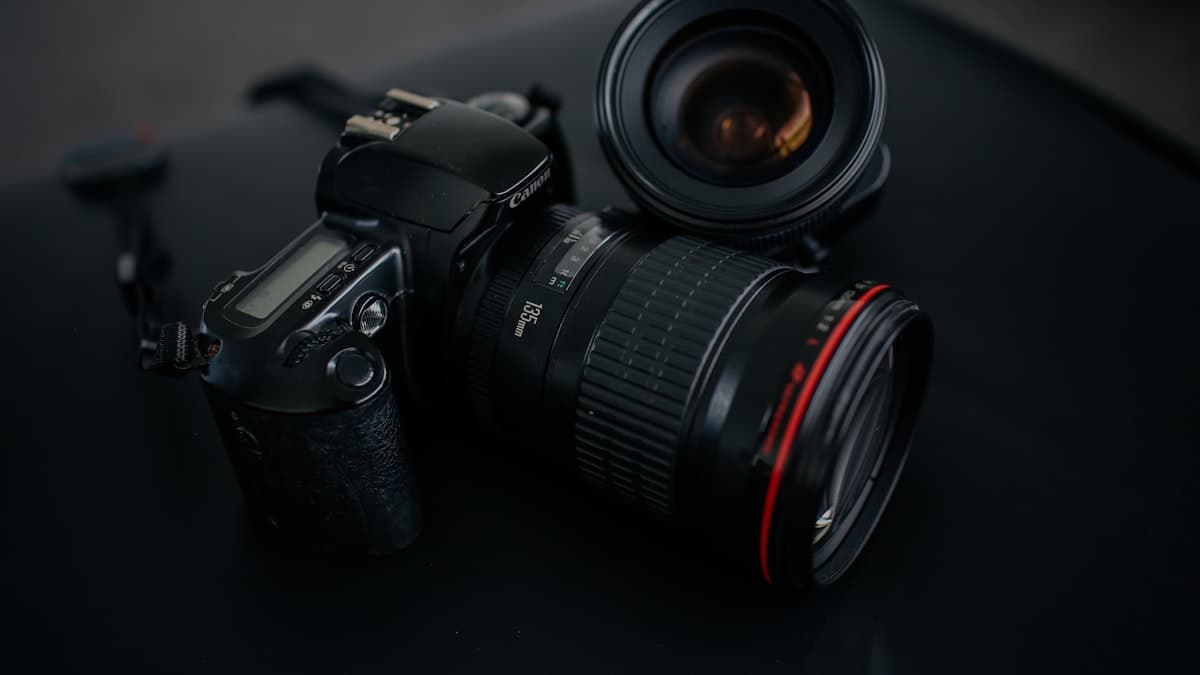
Neutral Background Product Photo (Listing Hero)
Etsy, Amazon, and every serious marketplace want the exact same thing for the first listing image: a clean background, a sharp product, zero distractions. This prompt produces that frame without a professional photo shoot.

Photograph: [PRODUCT TYPE AND SHORT DESCRIPTION] against a light gray seamless studio backdrop, shot at a slight angle in a centered frame. Lighting: a two-point soft softbox setup, casting a thin, natural contact shadow beneath the product. Camera: 85mm lens feel, medium framing, wide depth of field so the entire product stays sharp. Color grade: high-key, clean commercial color profile, natural color accuracy preserved. Material: [MATERIAL, e.g. brushed stainless steel / matte ceramic / textured cotton fabric] with surface detail clearly visible. Product fills roughly 70 percent of the frame, background stays completely clean and smooth. Square format, 1:1.
How to use it
- Copy the prompt as is, fill in the bracketed field for your product, and paste it into Nano Banana Pro or GPT Image.
- If you have a real product photo, attach it as a reference and add 'reshoot this exact product at the same angle, with the described lighting.' The output stays truer to the real item.
- Reuse the same prompt across your other products to build a consistent listing look across the whole catalog.
Example / tip
A handmade ceramic mug shop on Etsy fills the material field with 'matte glazed stoneware.' The output places the mug on a light gray background, with the glaze texture clearly visible, as a single listing photo.
Usage example
Copy the prompt as is, fill in the bracketed fields for your own product, and paste it into Nano Banana Pro (Gemini) or GPT Image. If you have a real product photo, upload it as a reference so the output stays truer to the product. If the first result falls short, ask for a one-line fix (e.g. "soften the light," "simplify the background").
When not to use it
Don't force this without a real product image; the prompt improves an existing product, it doesn't invent one that doesn't exist. Never drop the output straight into a listing without checking it first. AI sometimes renders the material, proportions, or text wrong. Always verify it yourself against your brand colors, your logo, and how the product actually looks.
Output quality checklist
- Does the product look real? Any deformed detail (text, proportions, a complex part like a hand)? If so, regenerate or ask for a fix.
- Does it match your brand palette and the product's real material and color, or does it look random?
- Is the aspect ratio right for the use case (square for a listing, vertical for social, 4:5 for ads)?
- If there's text in the image, is it legible and spelled correctly? Text breaks often in AI images, check it closely.