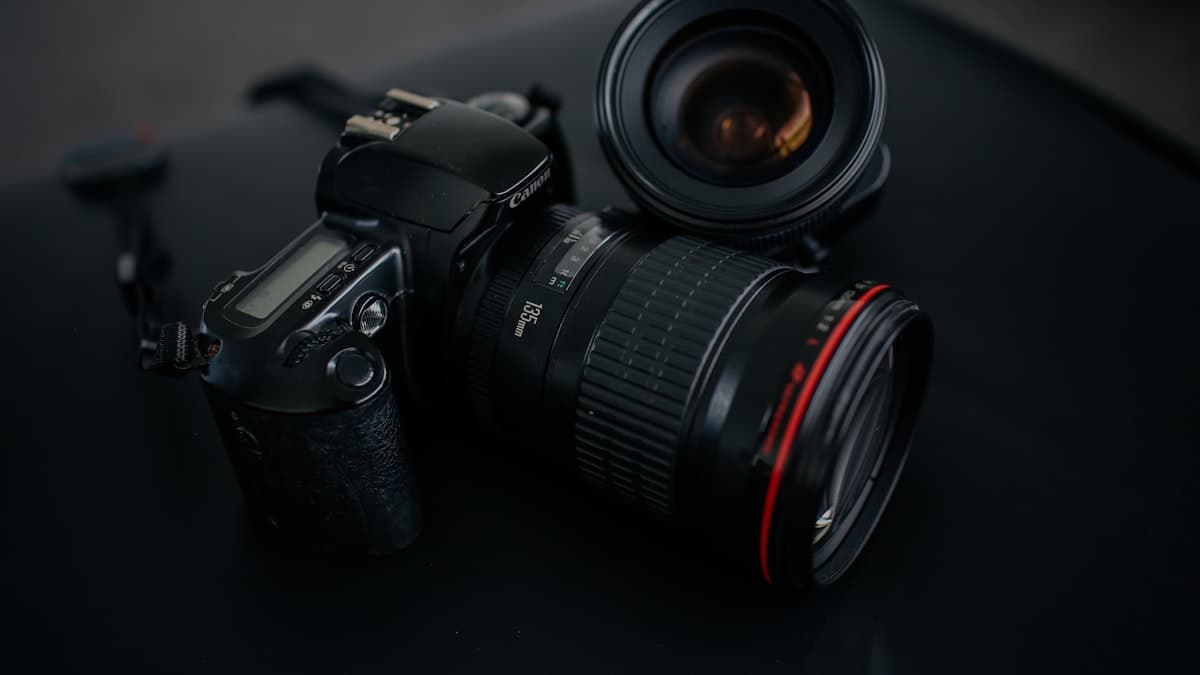
Material and Texture Macro Shot
Saying 'quality material' isn't enough, you have to show it. This prompt turns a stitch, a glaze, or a texture into a close-up that makes the customer feel like they're touching it with their fingers.

Shoot a macro close-up of [PRODUCT]'s [DETAIL, e.g. stitch line / embossed logo / fabric weave / glaze surface]. Camera: macro lens, shallow depth of field at f/1.8, only the point of focus is tack sharp, everything else falls into soft blur for depth. Lighting: single source from the side, raking light that brings out texture and relief through natural shadow. Color grade: natural, saturated, commercial product-photography tone. Material: every detail of the [MATERIAL] surface, the weave of the fibers or the stitching, reads clearly. Square format, 1:1.
How to use it
- Add it to your listing gallery as the 'proof of quality' shot, right after the main photo.
- Use it to get ahead of a quality complaint by showing an unseen detail to the customer before they ask.
- Use it on handmade or custom-made products to prove the craftsmanship in concrete terms.
Example / tip
A workshop selling leather wallets enters the detail as 'hand-stitched edge finishing.' The output produces a macro shot where every loop of the stitching thread is sharply resolved, with side lighting that brings out the depth.
Usage example
Copy the prompt as is, fill in the bracketed fields for your own product, and paste it into Nano Banana Pro (Gemini) or GPT Image. If you have a real product photo, upload it as a reference so the output stays closer to the actual item. If the first result misses, ask for a one-line fix (e.g. 'soften the light,' 'simplify the background').
When not to use it
Don't force this if you have no real product image; the prompt is meant to show an existing product better, not invent one that doesn't exist. Never drop the output straight into a listing without checking it first. AI generation can still get the material, proportions, or text wrong. Always verify yourself that it matches your brand colors, logo, and the product's actual look.
Output quality checklist
- Does the product look realistic, or is a complex detail (text, proportion, a hand) deformed? If so, regenerate or ask for a fix.
- Does it match your brand palette and the product's real material and color, or does it look random?
- Is the aspect ratio right for where it's going (square for listings, vertical for social, 4:5 for ads)?
- If there's text in the image, is it legible and spelled correctly? AI images often mangle text, check it closely.