The parts of an automation: trigger, action, and everything between
Every automation is built from the same six parts: trigger, action box, connection, data mapping, filter, and unit of work. This lesson introduces each one with an everyday equivalent, then ties them all together in a single example chain.
In the last lesson you saw what automation actually is: an event, then an automatic action. Now let's unpack every word in that sentence, because these are the exact parts you'll run into every time you look at a screen in Make or n8n.
Trigger
The trigger is the event that starts the automation. There are two kinds. An event-based trigger fires the instant something happens ("when a new order arrives," "when a form is submitted"). Behind this usually sits a webhook: the app you're connected to quietly sends out a "something happened" signal in the background, and the automation listens for that signal and wakes up. A scheduled trigger runs on a clock instead: "every morning at 9am," for example. If there's no event to wait for, you set a time yourself.
Action box
The action box is a block that does one single thing. "Send an email," "add a row to a spreadsheet," "move a file." Make calls these modules, n8n calls them nodes. Different name, same job: each box handles exactly one task, and chaining them together builds a flow.
Connection
For a box to reach into your account (your Gmail, your Google Sheets, your Etsy shop), it needs a connection. Make calls this a connection, n8n calls it a credential. You set it up once, and after that you can reuse that same connection in every automation that needs it.
Data mapping
Information coming out of one box (the customer's name, their email, the order total) needs to land in the right field of the next box. That's called data mapping, and it's the real "wiring" of an automation. One box produces a "name" field, you connect that field to the "recipient name" field in the next box. Map it wrong, and the email goes to the wrong person, or to an empty field.
Filter and branching
You don't always want the flow to keep going no matter what. A filter is how you say "only continue if this condition is true" (say, only if the amount crosses a certain threshold). Branching is what you use when you need to send different cases down different paths. Make calls this a router: the same automation can split into two different routes depending on the condition.
Unit of work
These tools measure the work they do with a counter, and your plan's limit runs on that same counter. Make calls it a credit (it used to be called an operation, the name changed to credit in August 2025). In n8n, one full pass of a flow from start to finish counts as a single execution. That's where the pricing logic comes from: I won't give you numbers here, but it's worth knowing that every box that runs consumes something.
Putting it all together
Now let's see all of this in a single chain: a form gets submitted (trigger) → a row gets added to a spreadsheet (action, with data mapping placing the name and email from the form into the right columns) → a welcome email goes out (second action, using the same information) → if the amount crosses a threshold, a notification fires (filter plus branching). Start to finish, without a human hand touching it.
The AI piece
Once you drop an AI box into this chain, you can add interpretation steps on top of the rule-based work: classifying the tone of an incoming message, drafting a reply. Make has an OpenAI module for this; n8n goes deeper, with its own AI Agent nodes bringing interpretation power into rule-based flows through visual LangChain blocks.
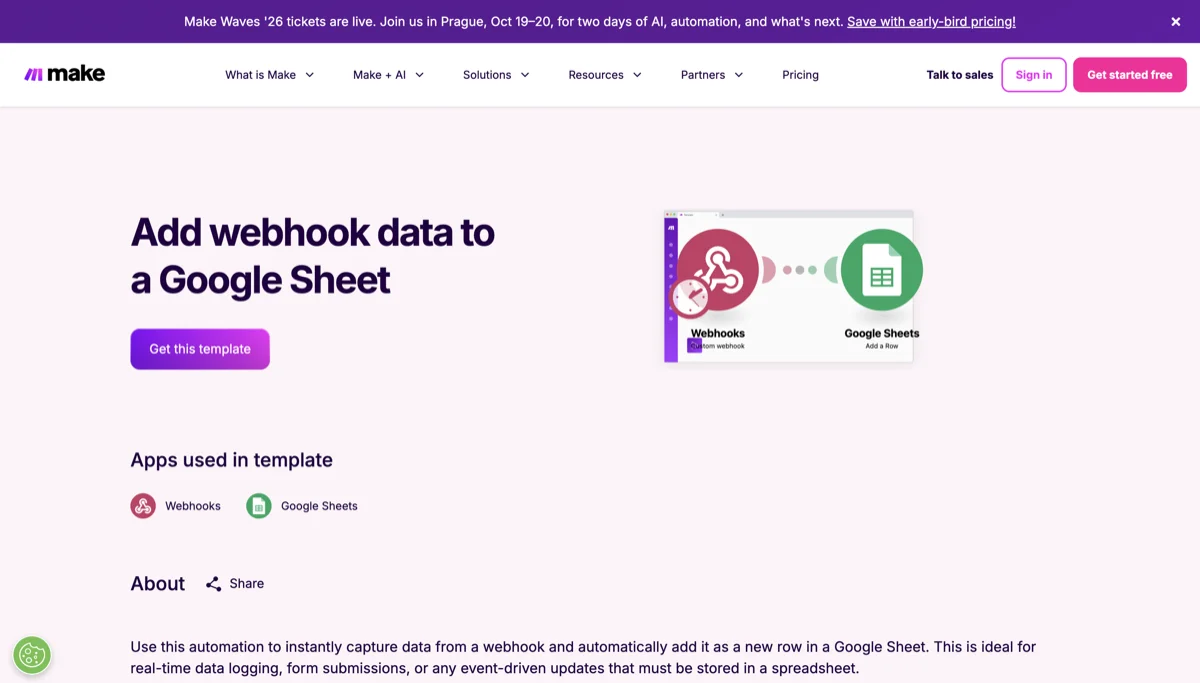
Source: make.com/en/templates, accessed July 2026.
In the next lesson, we'll do an honest comparison of the two tools, Make versus n8n: who each one suits, and when each one is the right call.