Skip the build: take a ready-made automation, connect it, run it
The fastest path for a beginner isn't building from scratch, it's taking a ready-made template and connecting it to your own accounts. This lesson covers the template galleries for Make and n8n, connection safety, and the discipline of a first test run.
In the last lesson you chose between Make and n8n (or you haven't yet, that's fine too). Now we get to the most important part of this course: how to actually run an automation without building it from zero.
The fastest path for a beginner: a ready-made template
Designing an automation from scratch means knowing which trigger to pick and which boxes to connect in which order. But more often than not, the automation you need has already been built and shared by someone else. Your job isn't to build the architecture, it's to connect your own accounts to architecture that already exists.
Make's template gallery
Make's template gallery lives at make.com/en/templates. There are thousands of ready-made templates here, filterable by app: Gmail, Google Sheets, Shopify, Etsy, and so on. Search for the app you actually use, and you'll see automations already built around it.
Once you start a template, the draft gets copied into your own account. Then it's your turn: you connect your own account to each box. Boxes still missing a setting are flagged, usually with a red mark or a warning icon. Once everything's connected, you run it once as a test, and if there's no problem, you turn on the schedule (or the trigger).
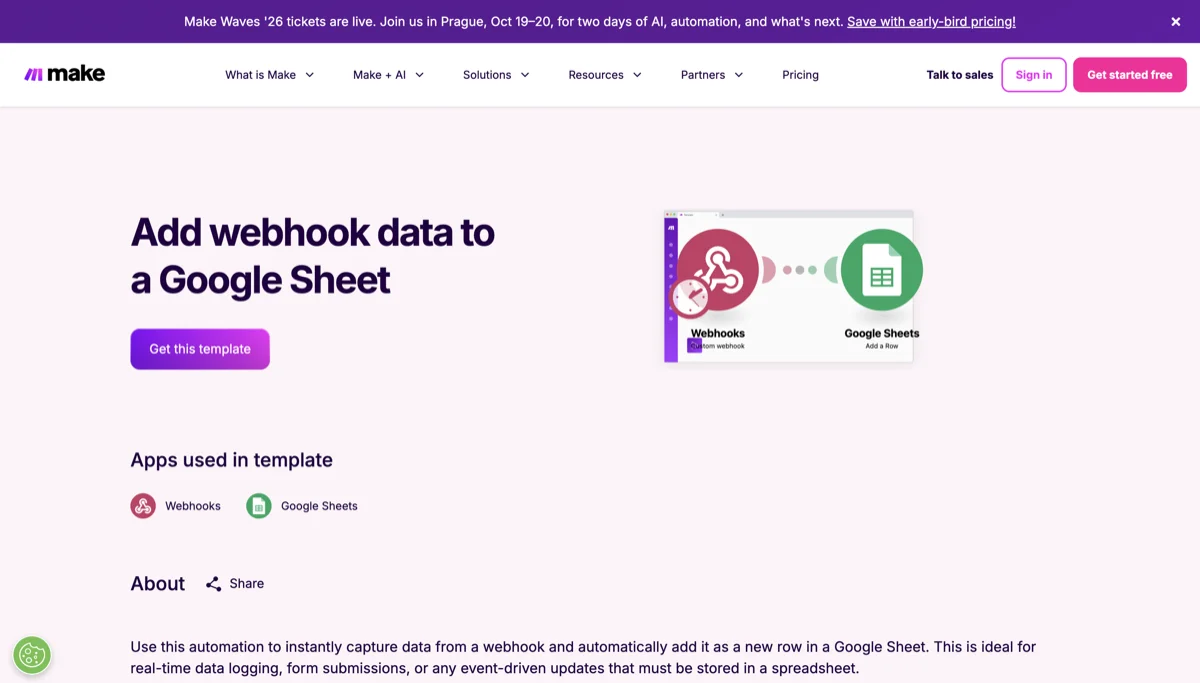
Source: make.com/en/templates, accessed July 2026.
n8n's library
n8n has its own ready-made workflow library too, at n8n.io/workflows. Thousands of ready-made workflows live here as well. You can grab a template with one click from its page, or pull a workflow's JSON file straight into your own n8n account using the "Import from URL" option.
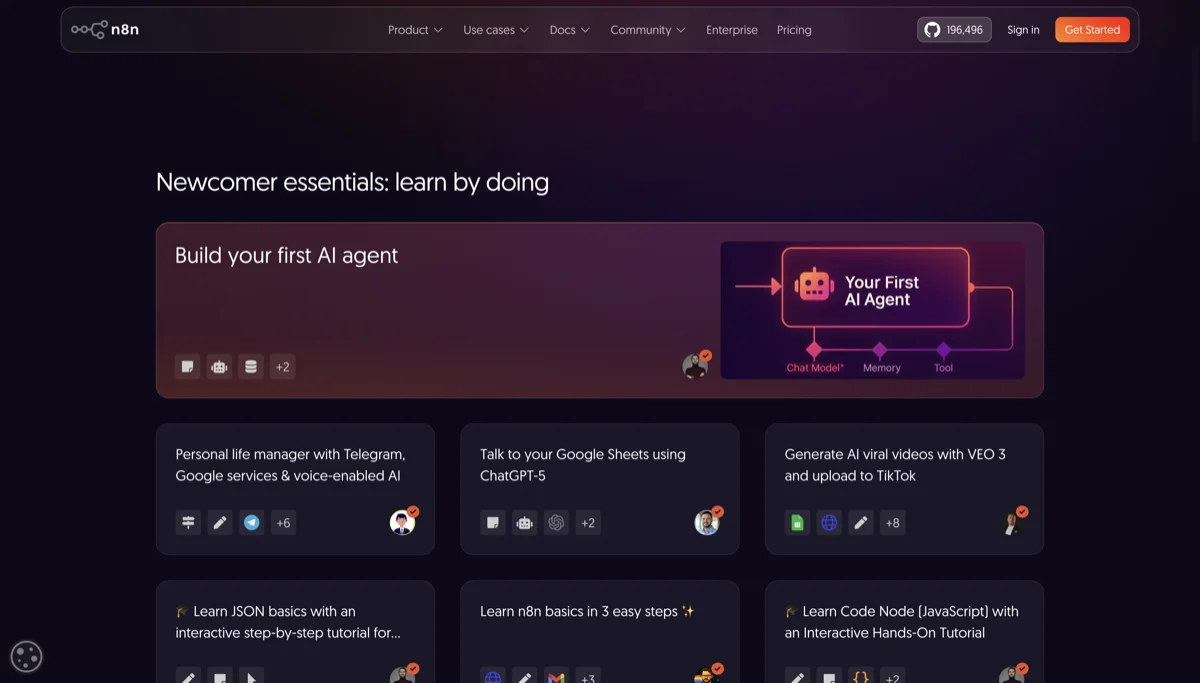
Source: n8n.io/workflows, accessed July 2026.
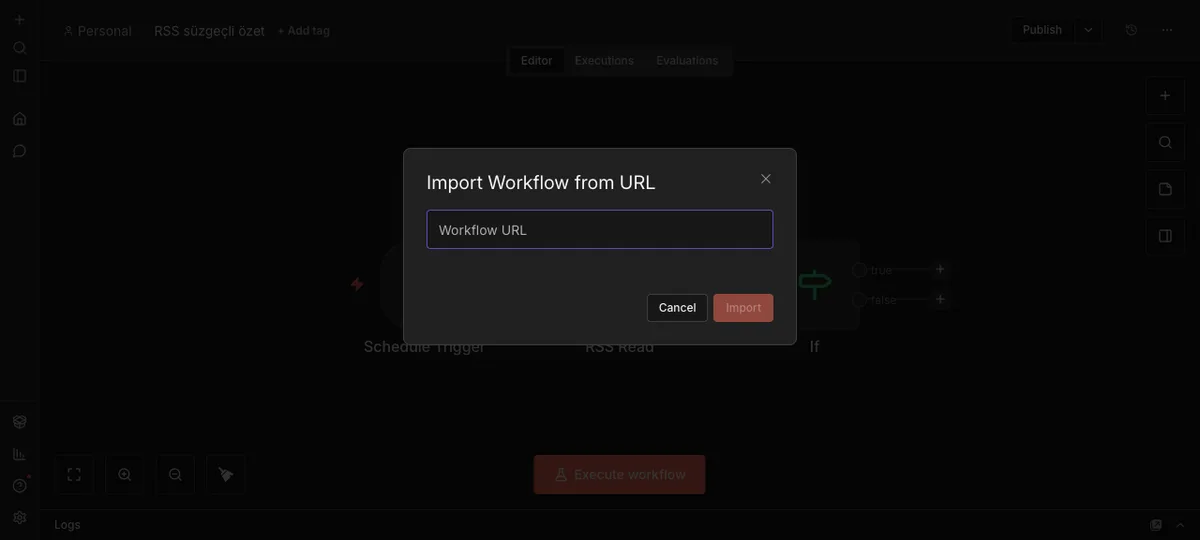
Source: n8n panel (local install), accessed July 2026.
You don't even need an account to browse either gallery, the import menu is naturally inside your own account once you do.
The critical trust question
You might be wondering: "If I grab something someone else built, can they reach into my account too?" No. Templates don't carry connection credentials with them. The Gmail, Etsy shop, or spreadsheet belonging to whoever built the template never comes along with it, you connect every account yourself. That's not a gap, it's actually a safety measure working in your favor.
The discipline of a first run
After connecting a template, don't switch it straight onto real customer data. Run one pass with test data first, check the output (did the email actually go out, did the right row land in the spreadsheet), and only then turn on the real flow. This single step is what stops a misconfigured automation from reaching dozens of real customers down the line.
Where else to look
Beyond the official galleries, community forums are a good source too: community.make.com and community.n8n.io. You'll find flows, problems, and solutions shared by other users here.
Be cautious of "ready-made automation packages" sold on social media for a fee. Most of what's in those packages is already sitting in the official gallery for free.
In the next and final lesson, we'll look at the mistakes beginners make most often, and how to choose your very first automation.