Create show notes, titles, and social posts
Once the transcript is ready, Castmagic can draft summaries, show notes, titles, and social posts. This lesson matches each output to a useful channel and explains why AI drafts still need editing.
You have reviewed the transcript. Now you can use it as the source for several content drafts.
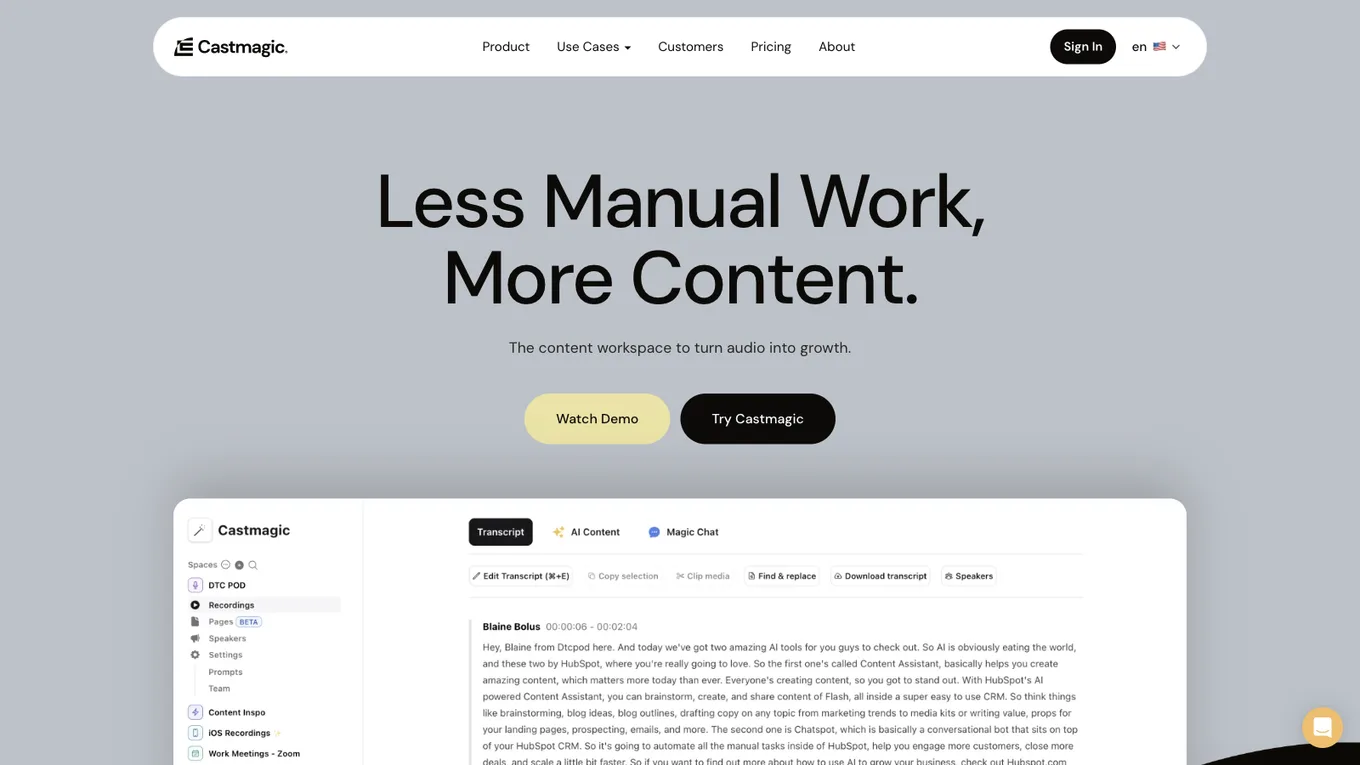
Source: castmagic.io/features, accessed July 2026.
Available output types
Castmagic applies content templates to a transcript. Its product page lists outputs such as summaries, timestamped show notes, long form articles, newsletters, LinkedIn posts, blog content, social carousels, threads, quotations, video scripts, and YouTube descriptions.
Availability can vary by plan, so verify the current feature set before choosing a subscription.
Match each output to a channel
- Show notes: Use these in a podcast episode description or YouTube description so the audience can understand the contents quickly.
- Title ideas: Compare several options for an episode, video, or article.
- Short summary: Use it as the opening of a newsletter, an archive description, or a meeting recap.
- Social post draft: Adapt one strong idea from the recording for LinkedIn, X, or another social channel.
These are starting points. You can adapt show notes into an email or turn a social draft into carousel copy when that format serves the reader.
Keep your own voice
Every Castmagic output is a draft, not a finished publication. The tool can structure what you said, but it does not automatically know your judgment, rhythm, favorite expressions, or brand standard.
Rewrite the draft in your own words. Keep the useful structure, remove generic AI phrasing, and restore the emphasis that matters to you. Publishing the raw output may save a few minutes, but it can make every channel sound interchangeable.
Why editing is part of the workflow
Automation should remove repetitive preparation, not your point of view. Castmagic saves time on transcription and first drafts. Use that saved time to improve accuracy, clarity, and voice.
Lesson checklist
- I reviewed the output types available in my plan
- I assigned each useful output to the right channel
- I will not publish an AI draft without checking and rewriting it
- I have identified which content formats fit my current publishing system
Next, you will turn this one time process into a repeatable weekly workflow.