Turn one recording into a content engine
A one hour podcast or consulting call can supply dozens of content assets. This lesson explains the real cause of an empty content calendar, how Castmagic helps, and when the tool is or is not a good fit.
You finished the recording. It might be a podcast episode, consulting call, or training video. You spoke for an hour, saved the file, and then faced the familiar question: "Where should I publish this, and how?"
This is where many people get stuck. They either leave the recording unused or publish it once and forget it. But an hour of recorded conversation is not one finished asset. It is raw material for a transcript, short summary, show notes, social posts, quotations, and clip titles.
The real cause of an empty content calendar
When people say they cannot create content, they often mean they cannot keep finding new ideas from scratch. A recording changes that. You already had the idea, explained it, and captured it. The bottleneck is turning that idea into formats that suit different channels.
Listening to an hour of audio, transcribing it, writing show notes, and extracting social posts can take longer than the recording itself. That repeated production work is the part a tool can reduce.
One recording, many useful outputs
The core idea is simple: record once, then adapt the material into several formats. The same conversation can become a blog summary, a LinkedIn post built around one strong point, and show notes for the original episode.
This replaces the habit of creating a separate idea for every platform with a more sustainable system: one source, several channel specific assets.
What Castmagic does
Castmagic is an AI tool that processes an audio or video recording. You upload or import the source, it creates a transcript, then generates content drafts from that transcript.
As of July 2026, Castmagic lists outputs including blog posts, email sequences, LinkedIn posts, quote cards, clips, and newsletter drafts. It can group several outputs from one recording into what it calls a campaign. Features can change, so confirm the current set on the official product page.
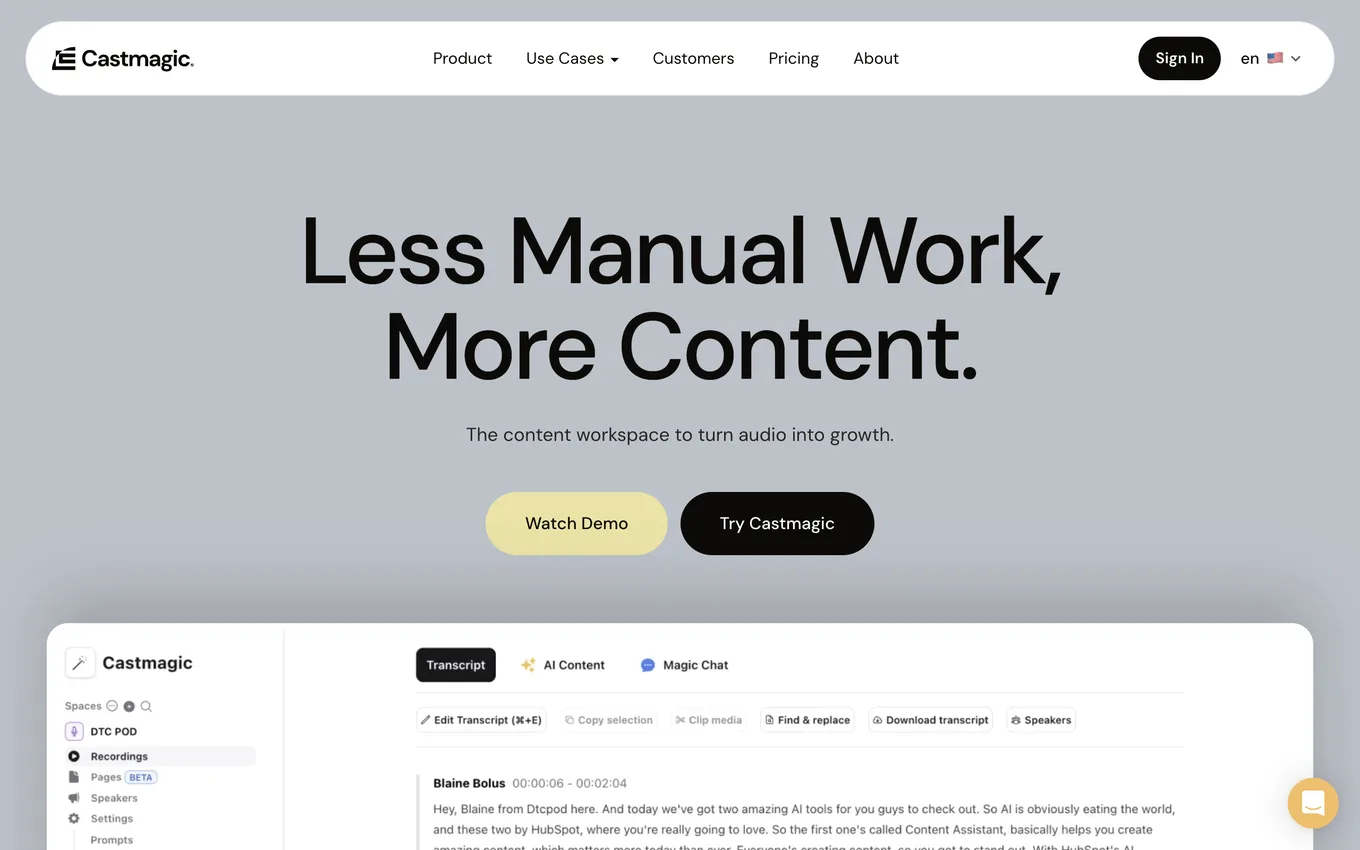
Source: castmagic.io, accessed July 2026.
Who it is for
Castmagic is most useful when you already produce audio or video regularly. That includes podcasters, YouTube creators, consultants, coaches, educators, and small business teams that record meetings or interviews.
The shared problem is not a lack of source material. It is the time required to turn each recording into publishable assets.
When it is too early
The tool is premature if you do not record anything consistently. Castmagic processes a source recording. It does not create that recording for you.
It may also be unnecessary for a single annual recording. Its value becomes clearer when the same workflow repeats every week or month.
What this course covers
The next lessons show how to create an account, upload your first recording, review transcript quality, choose the right output for each platform, build a weekly workflow, and understand the credit model.
Lesson checklist
- I understand that one recording can supply several content formats
- I know that Castmagic creates transcripts and content drafts from a recording
- I have decided whether my recording frequency makes this tool worthwhile
Next, you will create an account and upload your first recording.