Manage credits and avoid common mistakes
Castmagic plans limit how much recorded material you can process. Learn how to estimate your needs and avoid errors involving unchecked transcripts, mismatched formats, and poor audio.
You can now process one recording, review the transcript, and build a repeatable workflow. The final step is understanding the usage model and avoiding the mistakes that waste it.
How minute or credit allowances work
Recording based AI services usually meter the amount of audio or video they process. Each plan includes a monthly allowance, and processing more may require a higher plan or additional credits.
Check Castmagic's current pricing page before subscribing. Plan names, prices, and allowances can change, so this course does not freeze them into a number that may become outdated.
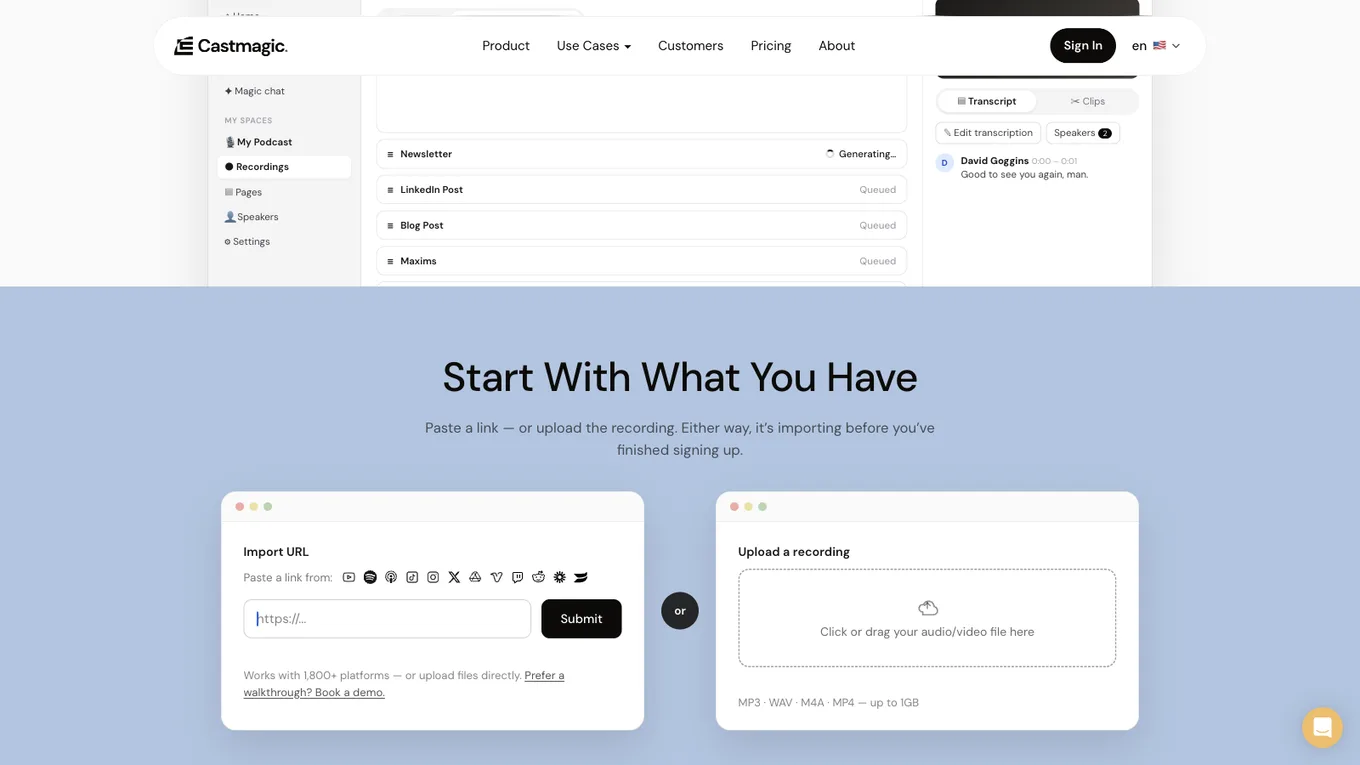
Source: castmagic.io, accessed July 2026.
Estimate your own usage from your recording schedule. For example, a weekly one hour recording requires roughly four hours of processing in a typical month. Compare your real pattern with the current allowance shown by Castmagic.
Mistake 1: skipping transcript review
If a name is wrong in the transcript, that error can appear in every summary and post. Review the transcript once before generating other assets. This small step prevents repeated cleanup.
Mistake 2: publishing every output in the same format
Show notes and social posts serve different readers. Show notes are usually descriptive and complete. A social post should be focused and attention aware.
Do not paste one format into another channel without adapting it. Match the structure to the platform.
Mistake 3: ignoring audio quality
Echo, background noise, a distant microphone, or overlapping speakers reduce transcription quality. Better AI cannot fully repair unclear input.
Record in a quiet space, keep the microphone close enough, and test a short sample before an important session. Cleaner audio improves the transcript and every asset built from it.
The shared lesson
These mistakes are mostly workflow problems. Give the tool clear audio, review the source, and adapt each output to its destination. That is how you get value from the automation without lowering your content standard.
What you have built
You started with an unused recording and an empty calendar. You now know how to turn the recording into a transcript and several drafts, verify the source, keep your own voice, schedule a repeatable workflow, and estimate the processing allowance you need.
Lesson checklist
- I will verify current pricing and allowance information before subscribing
- I review every transcript before generating other assets
- I adapt each output to the channel where it will be published
- I understand that recording quality directly affects every later output
You have completed the course. You can now turn recurring recordings into a reliable content workflow.
You finished this course. I also share updates about these tools in the weekly newsletter: