Setting up automation, and the common mistakes
You sent your first campaign. Next comes handing off repetitive work to automation. This lesson covers welcome and post-purchase flows, the basics of segmentation, and the mistakes beginners make most.
In the last lesson you sent your first campaign. But emailing every customer one by one isn't sustainable. This is where automation takes over.
What automation actually does
Automation means that when a specific event happens (someone joins your list, someone places an order), a chain of emails fires automatically. You set it up once, and the system runs the same flow for every customer after that, on its own.
Example flow 1: welcome series
When someone joins your list, you can have a few emails go out to them in sequence: the first says thanks and introduces you, the next introduces your brand or product, a third might offer a small incentive. You build this in Brevo's automation section using the "someone joins the list" trigger.
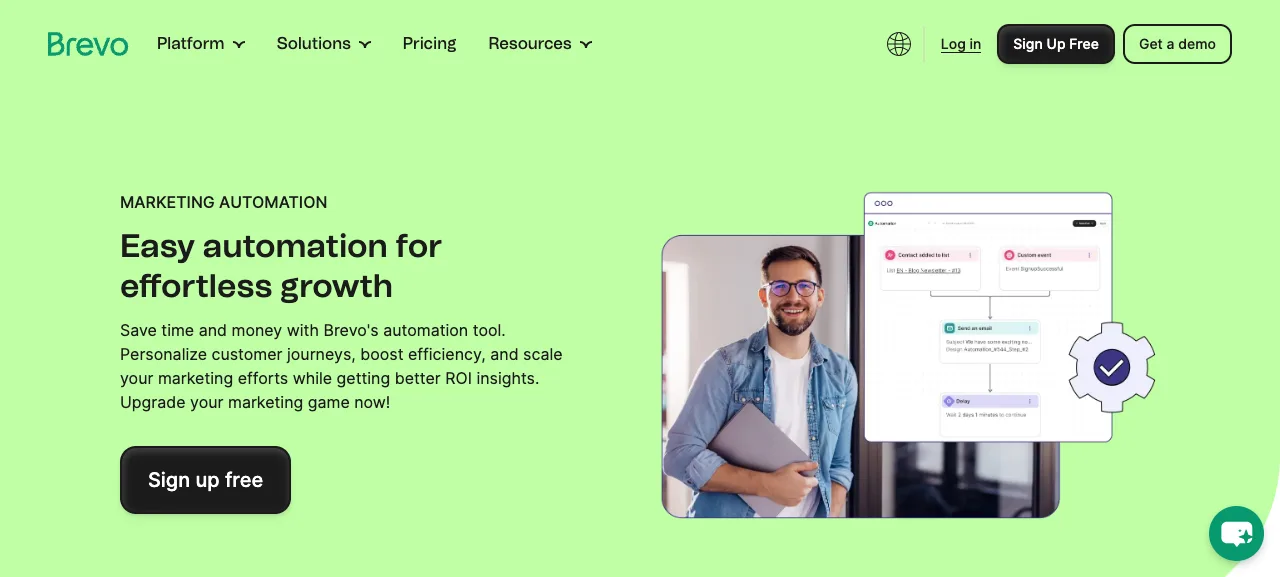
Source: brevo.com/features/automation, accessed July 2026.
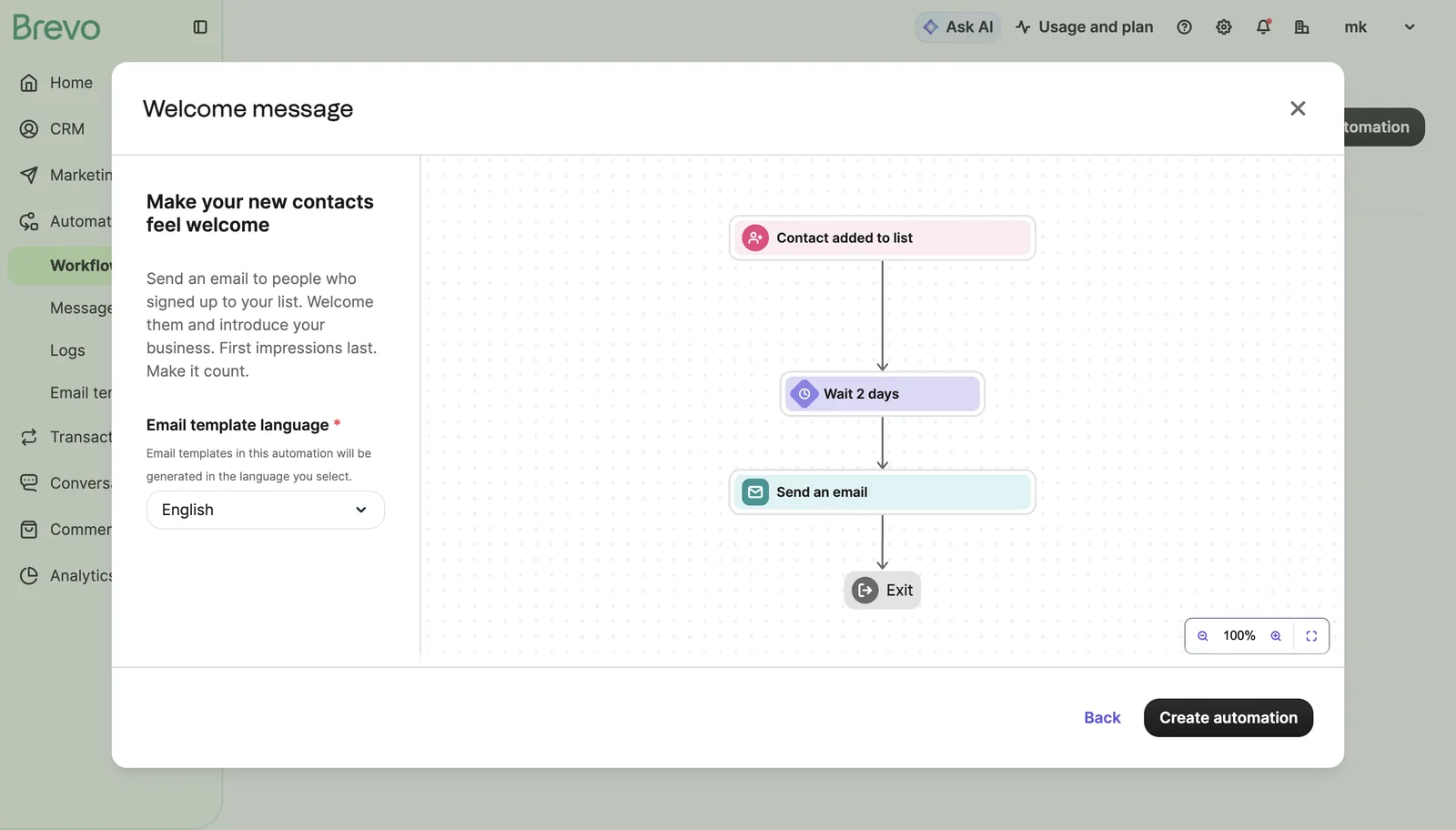
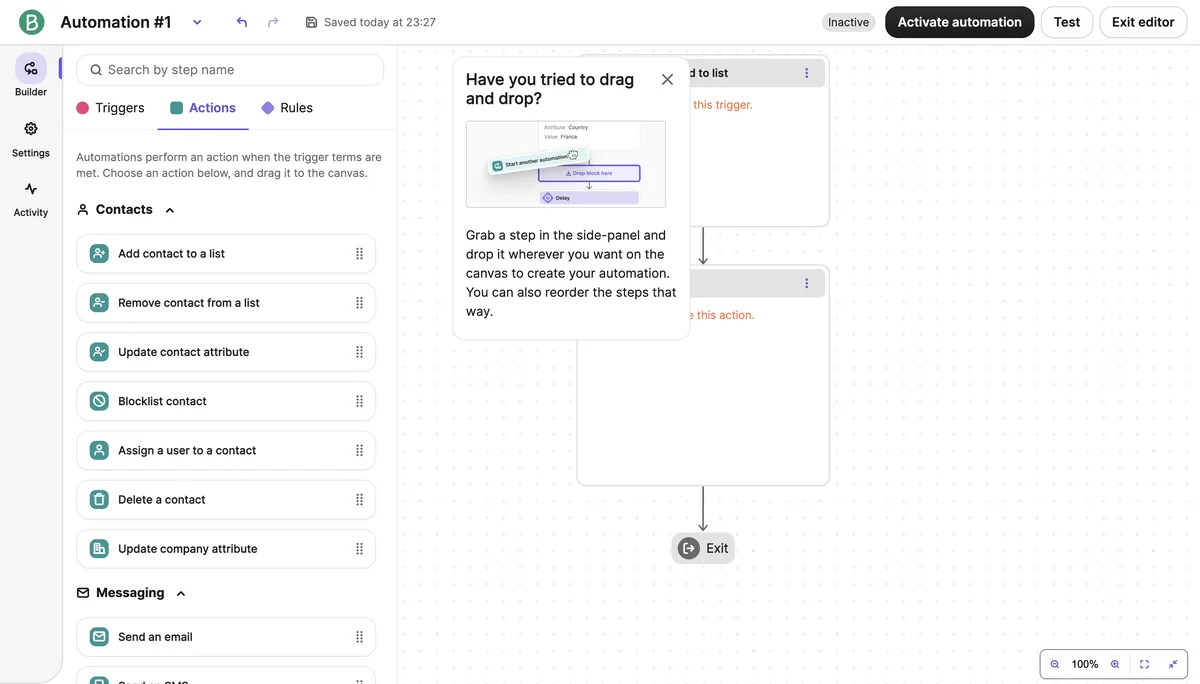
Source: Brevo dashboard, accessed July 2026.
Example flow 2: post-purchase
This is the flow that pays off most for ecommerce. When someone places an order, an automatic thank-you email goes out, followed a few days later by an email on how to use the product, then maybe a review request. This keeps you from losing touch with a customer after the sale, and it runs without you doing anything.
The basics of segmentation
Instead of sending everyone the same email, you can split your list into groups: people who bought once, people who bought a specific product, people who haven't opened an email in a while. In Brevo you can build these segments off list properties or off behavior, like opens and link clicks.
Don't try to build a perfect segmentation setup from day one. Starting with one simple split (say, "purchased in the last 30 days" versus "didn't") is enough.
Common mistakes
Using a list without consent. I covered this in the last lesson but it's worth repeating: importing a list without consent puts your account at risk.
All campaigns, no value. Lists that only ever get "buy now, discount, sale" emails, with nothing genuinely useful mixed in, see open rates drop over time. Send something informative or helpful between the sales pitches.
Skipping sender verification. Also covered last lesson. An unverified sender is one of the most common reasons emails land in spam.
Blasting your entire list at once. This is especially risky with a new domain, or a list you haven't emailed in a long time. Sending your first batches in small groups is safer. Mail providers get suspicious of new senders that suddenly send high volume; warming up gradually (small batch first, then scaling up) protects your deliverability long term.
Lesson checklist
- I set up at least one flow, either a welcome series or a post-purchase automation
- I split my list into segments using at least one simple criterion
- I can name the four common mistakes (list without consent, all-sales content, skipping verification, blasting the full list at once) and know which ones to avoid
That's the end of this series. You now know how to set up a Brevo account, import a consent-based list the right way, send your first campaign, and set up basic automation. From here, it's about building trust with your list by delivering value consistently.
You finished this course. I also share updates about these tools in the weekly newsletter: