Why is creative such a big deal in advertising?
Same budget, two different visuals, two different results. This lesson explains why creative is such a massive lever in advertising, shows what AdCreative.ai actually does, and makes clear upfront that the score it gives you is a prediction, not a guarantee.
Your ad isn't converting. The first instinct is to raise the budget. But doubling your spend and running the same visual doesn't change the outcome for most accounts. Because the problem isn't always the budget. Sometimes it's the visual.
Same budget, different visual, different result
In an ad account, changing nothing but the visual can still shift the result dramatically. The reason is simple: the platform's algorithm matches the visual first, then the audience. If the visual doesn't stop the scroll in the first second, it doesn't matter how good the copy underneath is. Nobody reads it.
I won't throw a number at you here, because the swing depends so much on account, industry, and audience that any "it goes up by X" claim would be misleading. But the principle holds: creative is a variable that determines your ad's result as much as budget, sometimes more.
Here's the practical consequence: if you only have one visual, you're testing one possibility. If you have ten different visuals, you're testing ten possibilities at once. Your odds of finding a winner go up accordingly.
The problem: making variants takes time
In theory you already know this. You've probably heard "test more variants" as advice before. In practice the obstacle is this: for every variant you go to a designer, resize it, reposition the copy. Adapting a single visual for feed, story, and every platform's dimensions is a job on its own.
The result: most sellers and advertisers get stuck with two or three visuals. As the variant count shrinks, so does your test pool, and your odds of finding a winning visual in a small pool drop with it.
AdCreative.ai is one of the tools that steps in here. Once you set up your brand kit (logo, colors, fonts), it automatically generates a large number of ad creative variants from a single product image: different sizes, different text placements, different compositions.
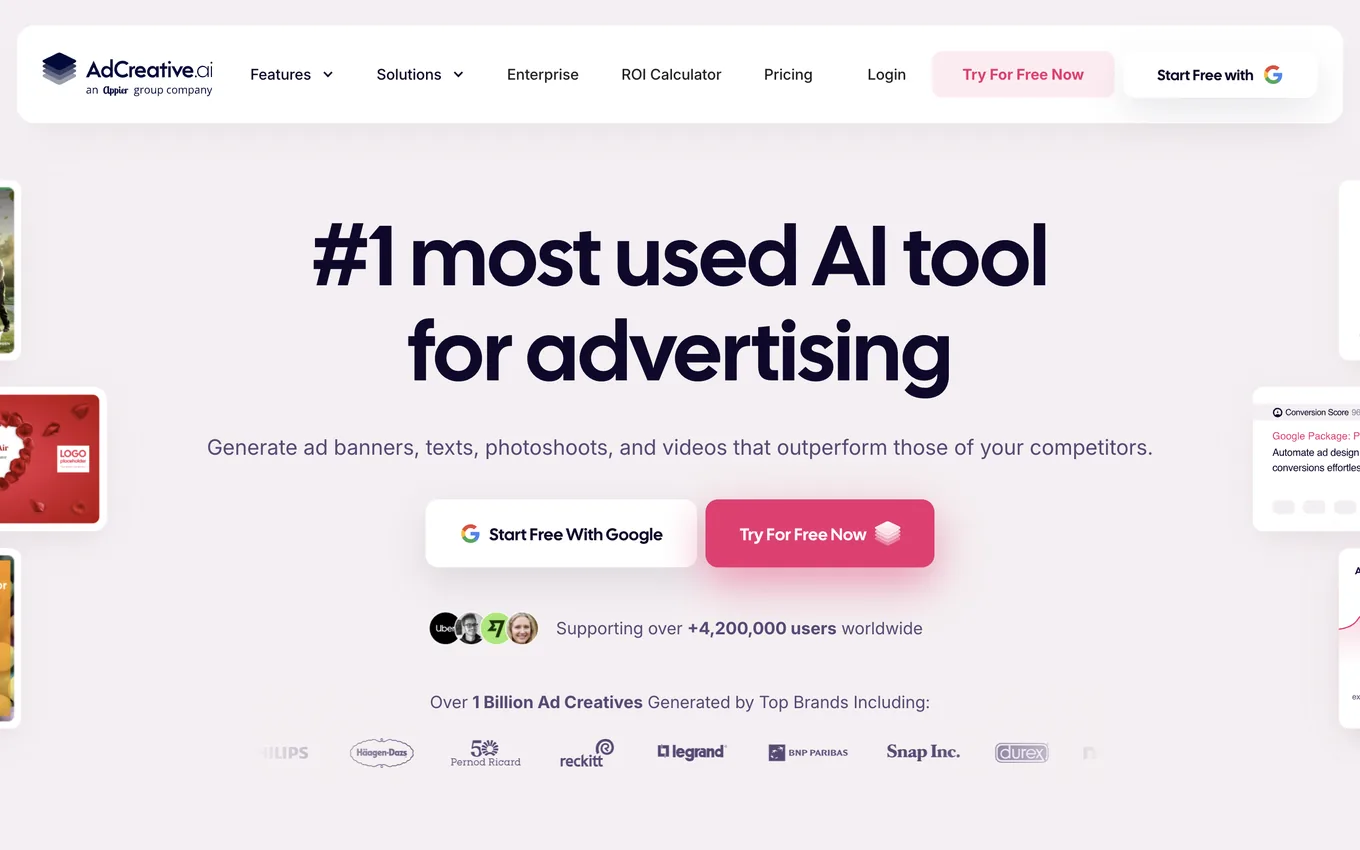
Source: adcreative.ai, accessed July 2026.
The critical point: the score is a prediction, not a guarantee
I need to say this upfront, because it's the backbone of this whole series.
AdCreative.ai gives every generated visual a performance score. That score is the tool's algorithm predicting "this visual will probably perform well." A prediction, not a measurement.
A high score is not a guarantee that visual will perform well in your account, with your audience, for your product. The tool's model is looking at a general pattern learned from past data. It doesn't know how your specific audience will behave today.
Only one place gives you the real answer: your own ad account. When you run a visual with real budget, in front of your real audience, and look at the clicks and conversions that come back, that's where you see the actual answer. The score just gives you a shortlist worth testing. It doesn't make the decision for you.
If you don't draw this line from the start, here's the trap: you put up a high-scoring visual, expect it to "obviously work," and get thrown off when it underperforms. I'll cover this mistake and a few others in the third lesson.
Who this fits, and who it's too early for
This probably fits you if:
- You're running regular, repeated ad campaigns on Meta or Google
- You have product images but don't want to go to a designer for every variant
- You want to grow your test pool and find winning visuals faster
This might be too early for you if:
- You haven't run any ads yet and don't have an ad account to test with; learning the basic flow of running ads should come first
- You have a one-off, irregular need for a single ad; the tool proves its value with regular use
Where this series is headed
In the next lesson we get straight into the hands-on part: opening an account, setting up your brand kit, and generating your first ad variants from a product image. In the third lesson you'll see how to test those variants on Meta and the most common mistakes beginners make.
Lesson checklist
- I understand, as a principle, that creative can be as decisive as budget in advertising
- I know what AdCreative.ai does: generate a large batch of visual variants from a brand kit
- I've noted that the tool's score is a prediction, and the real answer comes from my own ad account
- I've clarified whether this tool fits my current situation (regular advertiser vs. just starting out)
In the next lesson, we set up your brand kit in AdCreative.ai and generate your first ad visuals together.